English
19
6. Hardware remote control
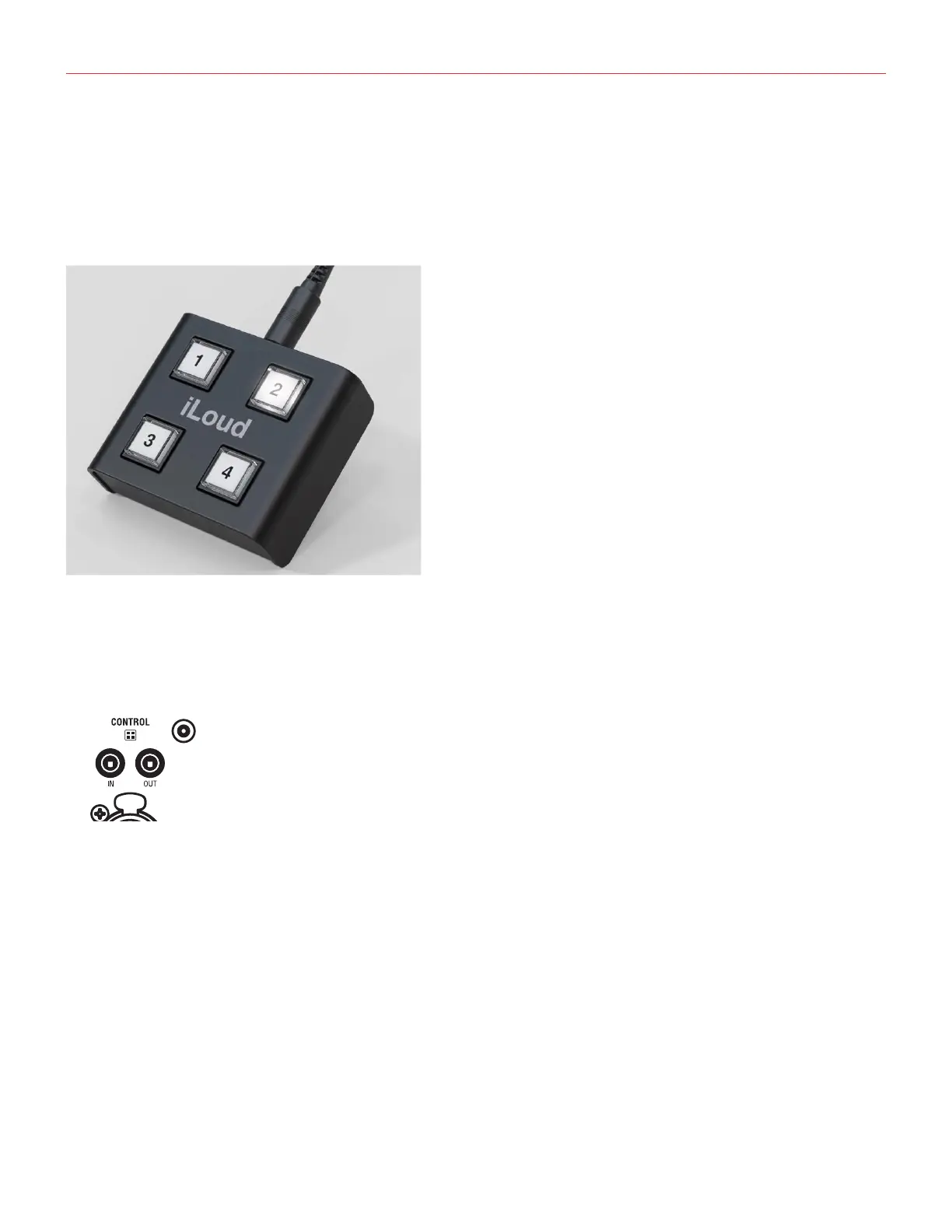
The iLoud Precision remote control (sold separately) can be conveniently placed on a mixing desk, near the
monitoring section or any place is the most comfortable to be operated.
This little remote allows you to switch the monitor voices as if more than one pair of monitors were actually
setup in the studio, or conveniently perform the ARC calibration process from the seating position.
It is possible to connect the remote controller to the CONTROL IN port using the supplied TRRS cable, and the
OUT port will then be connected to the IN port of the other speaker to control it: this lets you daisy chain all the
speakers that are included in the system.
6.1 X-Monitor voice control
Once connected to the iLoud Precision monitors for the first time, the remote will automatically sets on position
“1”, selecting the ‘Wide dispersion, quasi linear phase’ precision voice.
By pressing switches 2, 3 or 4 you can switch the X-Monitor voices.
By default, these are the voices assigned to the four switches:
• Button 1: Analytic, linear phase
• Button 2: High End 3-ways
• Button 3: Classic 7 AMT
• Button 4: Studio White


 To Next Page