English
6
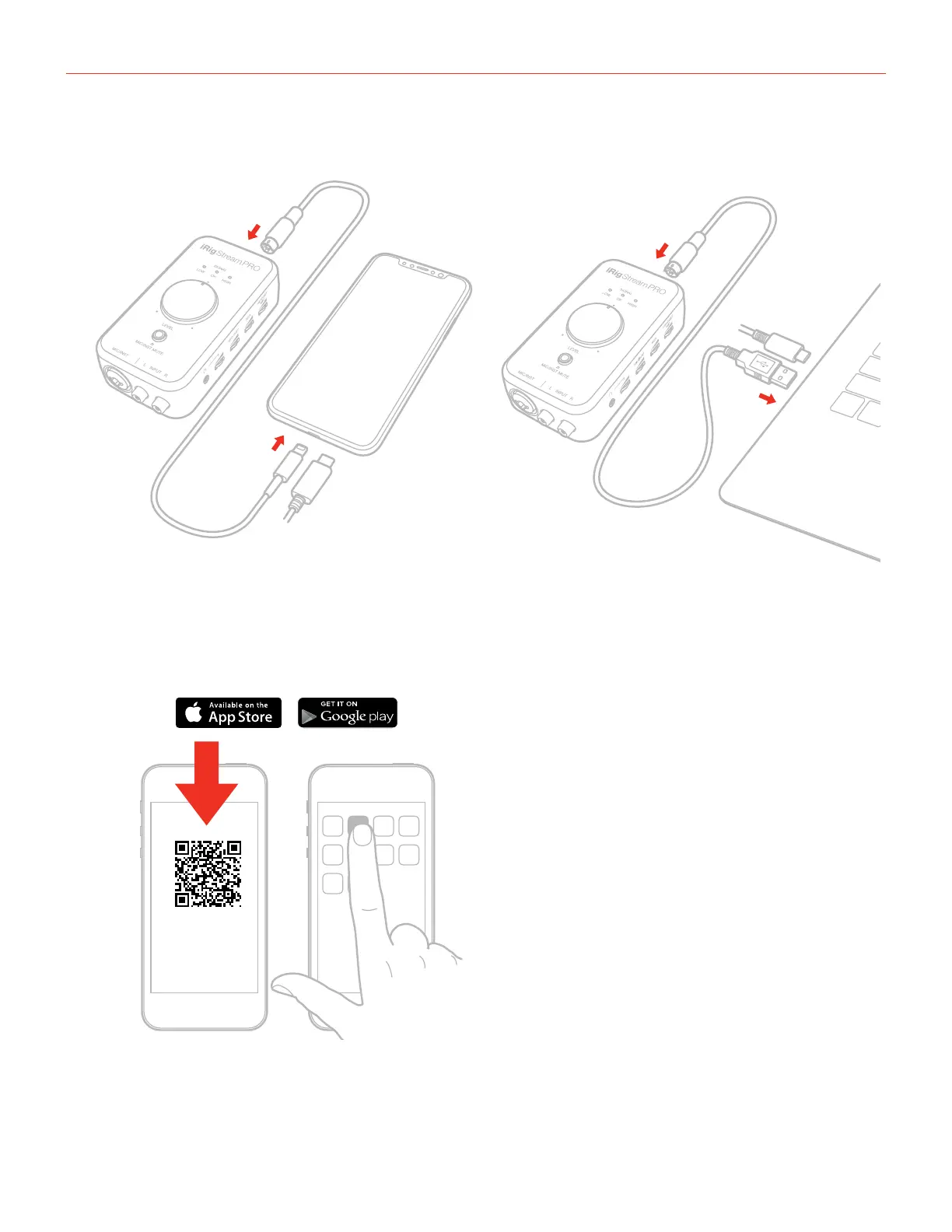
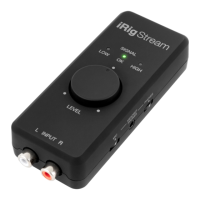
1. Connect the iRig Stream Pro to the host device with the provided cable (Lightning, USB-A and USB-C).
1
2
1
2
2. Download and launch the app. Note that iRig Recorder App will accept only 2 channel inputs: channel 1 and
2. So, if you wish to record channels 3 and 4 (multichannel mode enalbled, please refer to dedicated section
on this manual) a different App that support multichannel audio is needed.
iRig Recorder
LE
ikdownloads.com/irigstreampro



 To Next Page