English
7
3. In order to monitor the incoming audio with apps and software that do not allow for audio input monitoring,
a direct monitoring switch is present. When this switch is set to on the input signal is mixed with the output
signal from your audio software and routed directly to the headphone outputs. This lets you hear the “live”
inputs without latency. If a “phasing” effect is present, you can disable the input monitoring from your
recording app. For more details about its monitoring function, refer to the documentation for the audio
software.
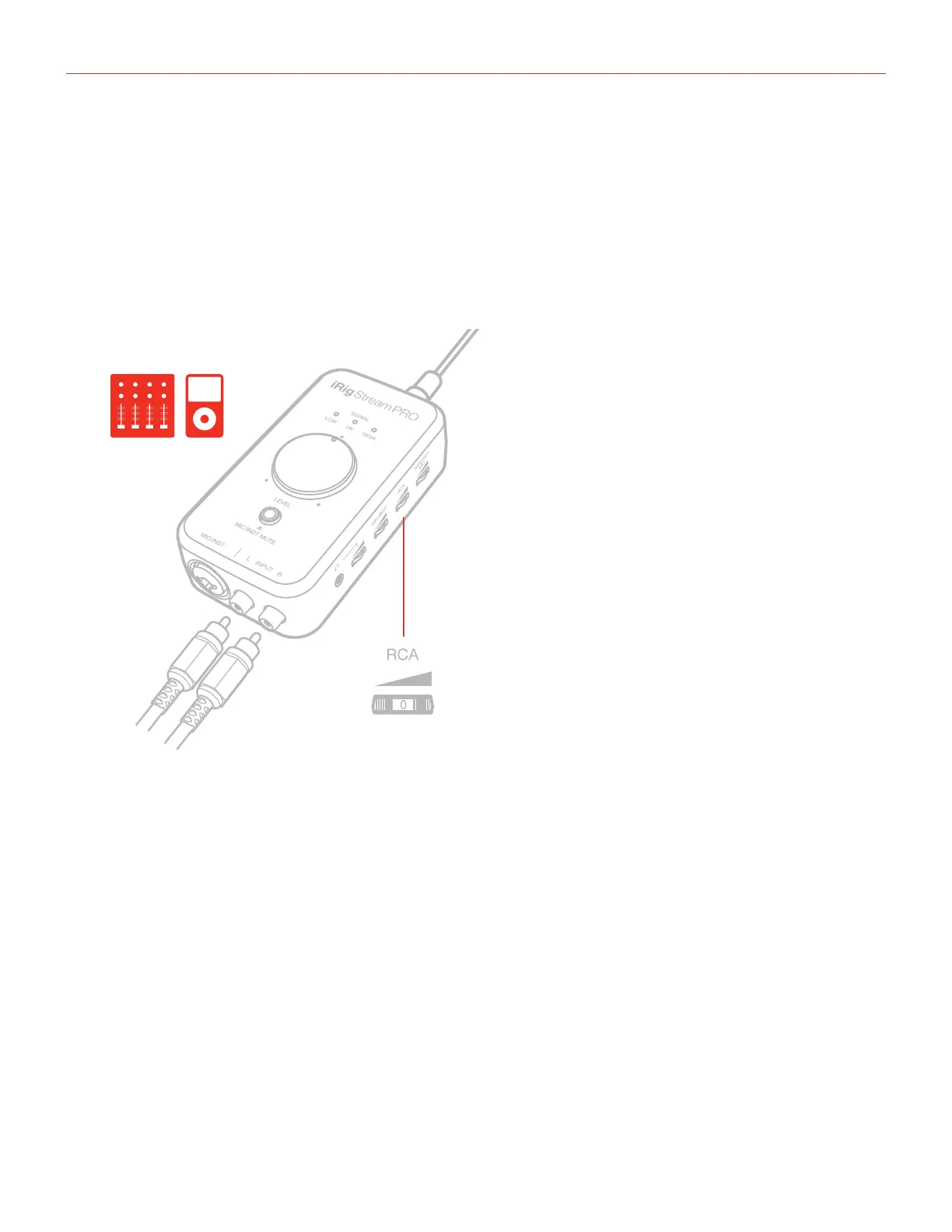
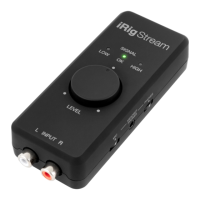
4. Connect any line level signal to the front RCA stereo input. To adjust the volume of the device connected to
these connectors, use both the volume controls of the device and the numbered thumbwheel “RCA” on side
of iRig Stream Pro.




 To Next Page