English
8
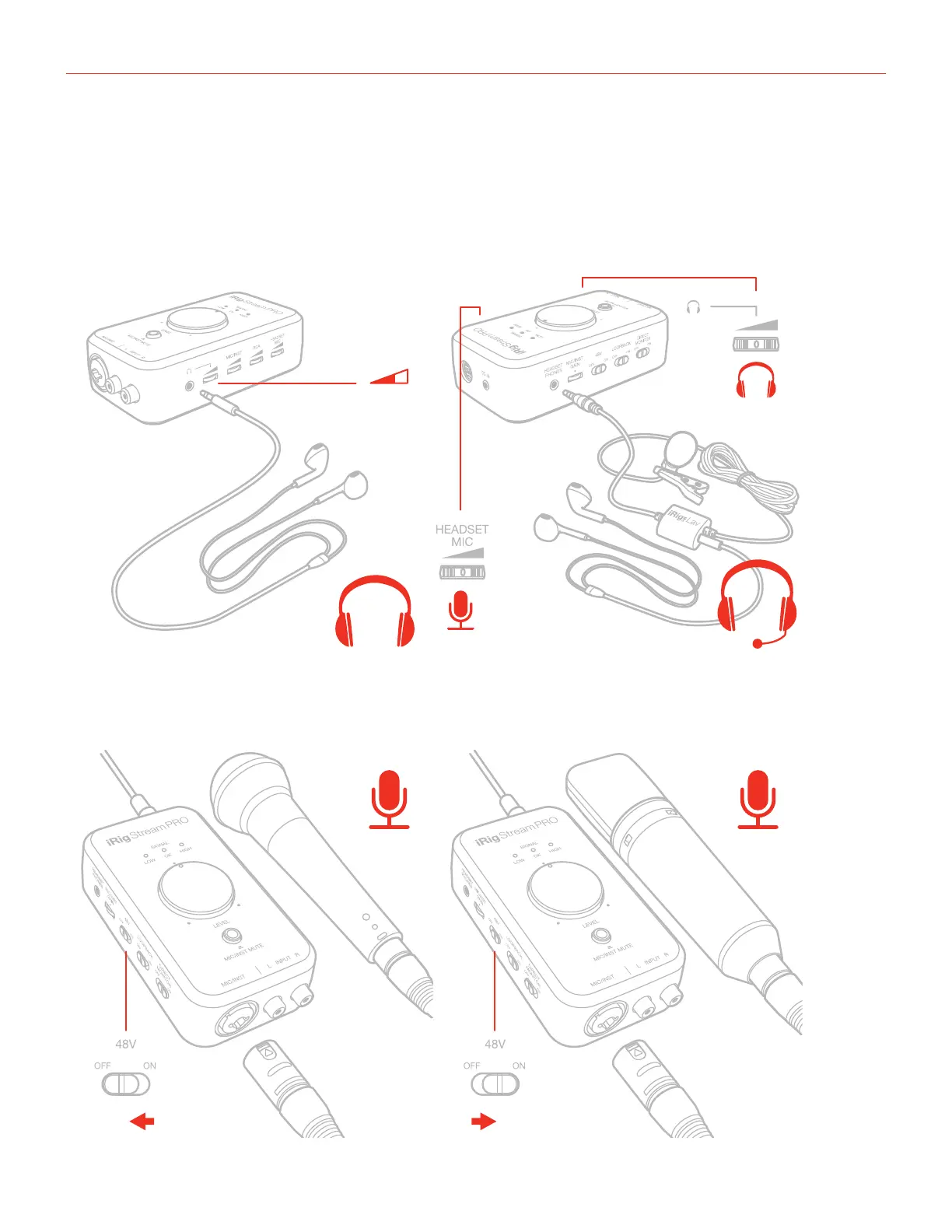
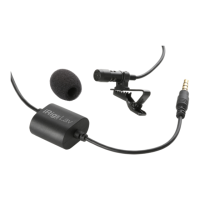
5. Connect a TRRS headset (compatible with CTIA standard) or an iRig analog microphone to the 1/8”
Headset/Phone jack. You can adjust the microphone level with the “Headset mic” thumbwheel and the
headphone level with the “Headphones” thumbwheel. You can also connect a pair of headphone to
the Headphone jack and set its level with the “Headphones” thumbwheel: it is also possible to set the
headphone’s level with the volume buttons on the host device.
1/8"
TRRS
1/8"
TRS
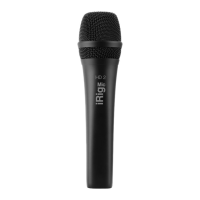
6. If you are using a microphone connect it using an XLR cable to the iRig Stream Pro’s XLR microphone input.
ONOFF
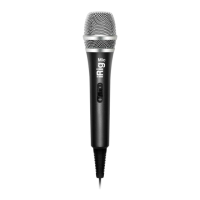
Dynamic
microphone
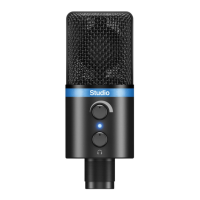
Condenser
microphone



 To Next Page