iLive12
1. Press the SOURCE button to switch to DVD
mode.
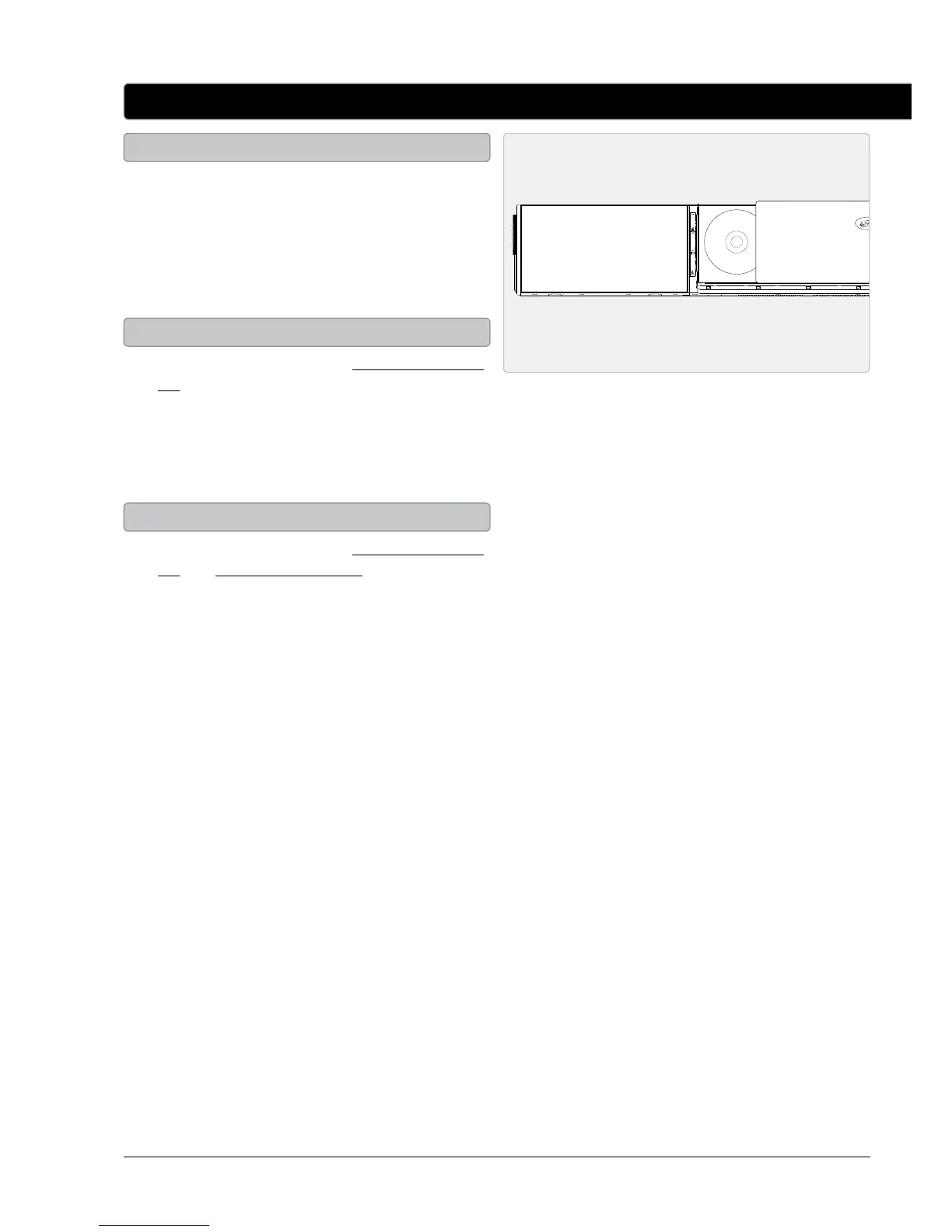
2. Press the DVD OPEN/CLOSE button to open
the DVD compartment.
3. Insert a DVD or CD into the DVD
compartment, label side facing out.
1. Follow the instructions for Loading a DVD or
CD and Playing a DVD or CD.
2. Press the PROG/MEM button on the remote.
3. Use the NUMBER KEYPAD to enter in the
titles and chapters or tracks in the order you
want them to play.
4. Use the DIRECTIONAL buttons to select the
on-screen START button. Press the SELECT
button to begin playing the programmed
DVD or CD.
5. To cancel the program play, press the STOP
button twice.
1. Follow the instructions for Loading a DVD or
CD.
2. Press the PLAY button to begin playing the
loaded disc.
To watch a DVD, the bar speaker must be
connected to a television.
DVD and CD
Loading a DVD or CD
Programming a DVD or CD
Playing a DVD or CD



 To Next Page