EasyManua.ls Logo

iLive Patio+ - User Manual

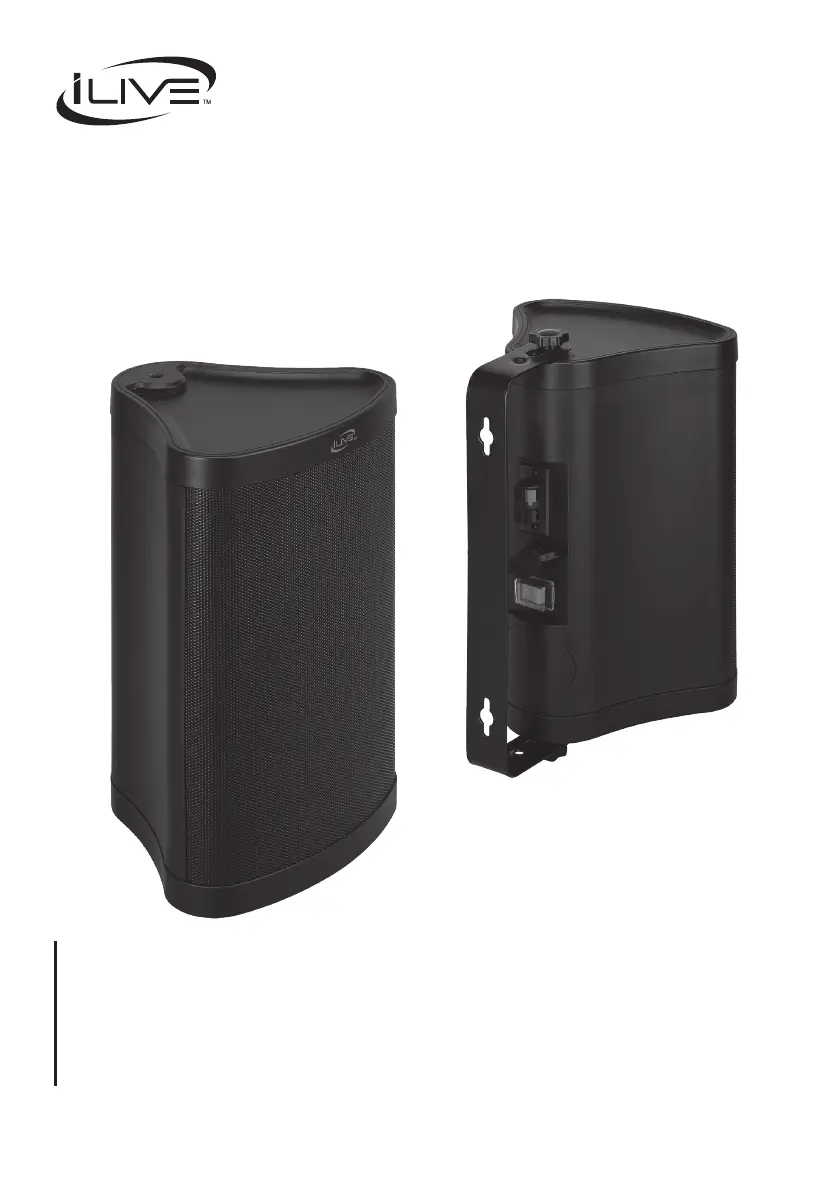
iLive Patio+
12 pages
Print Icon
To Next Page IconTo Next Page
Loading...
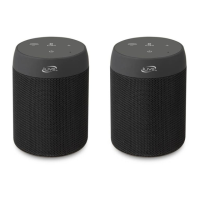
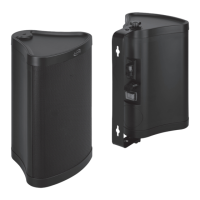
"Patio+" Indoor/Outdoor Water-Resistant
Speakers (Set of 2)
Users Guide for Model ISBW763BDL-3017
For the most up-to-date version of this User’s Guide, go to: www.iLiveElectronics.com

Questions and Answers

  • R
    Robert DillonJul 29, 2025
    Why won't my iLive Patio+ connect to Bluetooth?
    • A
      Anthony DouglasJul 29, 2025
      If your iLive Speakers aren't playing via Bluetooth or failing to connect, ensure that Bluetooth is enabled on your playback device. When pairing, stay within 3 feet of the speaker. Also, the speaker automatically pairs with the last connected device, so disconnect from any previous device before connecting a new one.
  • S
    Shawn ReynoldsAug 5, 2025
    What to do if my iLive Patio+ won't turn on?
    • L
      Lacey ThompsonAug 5, 2025
      If your iLive Speakers won't power on, make sure the AC/DC plug is securely plugged in and connected to the left speaker. If you're using the remote, check if the remote battery needs replacing. You can also try turning the speakers off and then on again.
  • S
    sarahlesterAug 13, 2025
    What to do if my iLive Patio+ Speakers sound is skipping?
    • T
      timothychambersAug 13, 2025
      If the sound is skipping or the audio isn't playing on your iLive Speakers, check the volume level on both the speaker and your playback device. Also, inspect the speaker for any signs of water damage, keeping in mind that while the speaker is water-resistant, it's not fully waterproof.
  • C
    Claudia AyalaAug 20, 2025
    How to fix audio distortion on iLive Speakers?
    • T
      Thomas PowersAug 20, 2025
      If you're experiencing audio distortion with your iLive Speakers, check the volume level on both the speaker and the playback device. The volume may be set too high, causing the distortion.

Summary

Safety Instructions and Warnings

Important Safety Instructions

Essential safety guidelines for product operation and user protection.

Additional Warnings and Precautions

Crucial warnings and precautions to prevent hazards like shock, fire, and damage.

Remote Control Operations

Remote Functions and Controls

Detailed explanation of remote control buttons and their operational functions.

Connecting Your Speakers

Bluetooth Pairing

Guide on pairing the speakers with Bluetooth devices for audio playback.

Mounting and Positioning Speakers

Speaker Positioning for Sound Quality

Troubleshooting Common Problems

Speaker Issues and Solutions

Common issues encountered with the speakers and their recommended solutions.

iLive Patio+ Specifications

General IconGeneral
BrandiLive
ModelPatio+
Speaker TypePortable Bluetooth Speaker
Frequency Response100Hz - 20kHz
ConnectivityBluetooth
Color OptionsBlack

Related product manuals