11
Troubleshooting
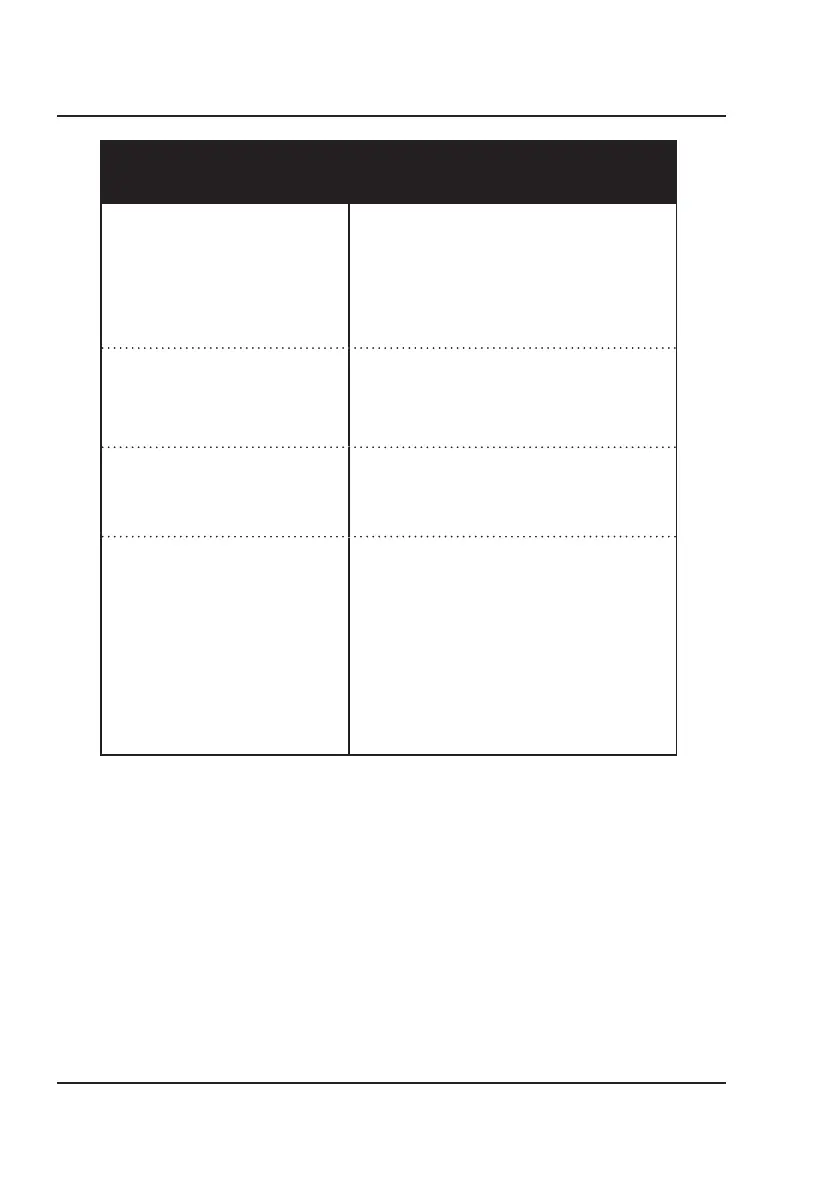
PROBLEM POSSIBLE SOLUTION
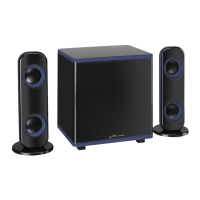
Speaker will not power on • Make sure the AC/DC plug is plugged in and
connected to the left speaker
• If using the remote to try powering on the
speaker, check if the remote battery needs to
be changed.
• Check for water damage: this product is water
resistant, but not fully waterproof.
Sound skipping/Audio doesn't play • Turn the speakers off and then on again.
• Check for water damage and dry off speaker.
• Check the volume on the speaker and your
playback device.
Audio Distortion • Check the volume on the speaker and
playback device, the level may be too high.
• Maintain distance from devices or frequencies
that may cause interference.
Bluetooth won't play/fails to connect • Check the volume on the speaker and your
playback device.
• Make sure the Bluetooth setting on your
playback device is on.
• Stay within 3 ft. of the speaker when pairing.
• Remain within xx ft. of the speaker when
paired.
• The speaker will automatically pair to the last
paired device. Disconnect from the previous
device before connecting to another.


 To Next Page