10 | P a g e IM150 User Manual Illuminati Instrument Corp.
Adding Tiles
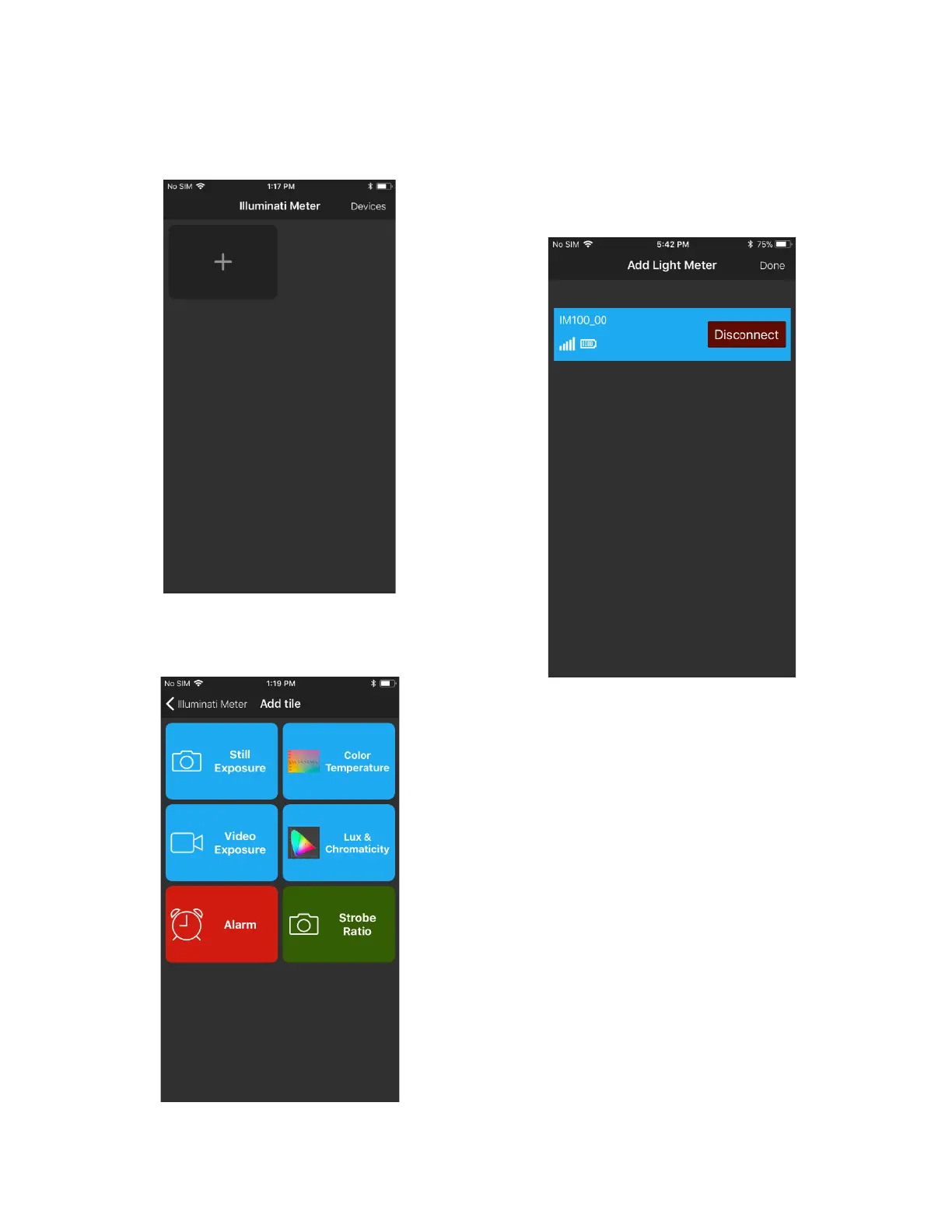
Press the “+” in the upper left of the screen.
Select the type of metering you want the app to
report. Select an option from the screen.
Select Still Exposure, for example. You will then
select the meter you want to report this
information for. The reason for this step is for
situations in which multiple meters are used.
The meter will then take you to the TILE screen
where you can see tiles for your meter reading
options. You can also create other tiles for the
information listed above.
You can see the creation of tiles on the next
page.



 To Next Page