Illuminati Instrument Corp. IM150 User Manual P a g e | 11
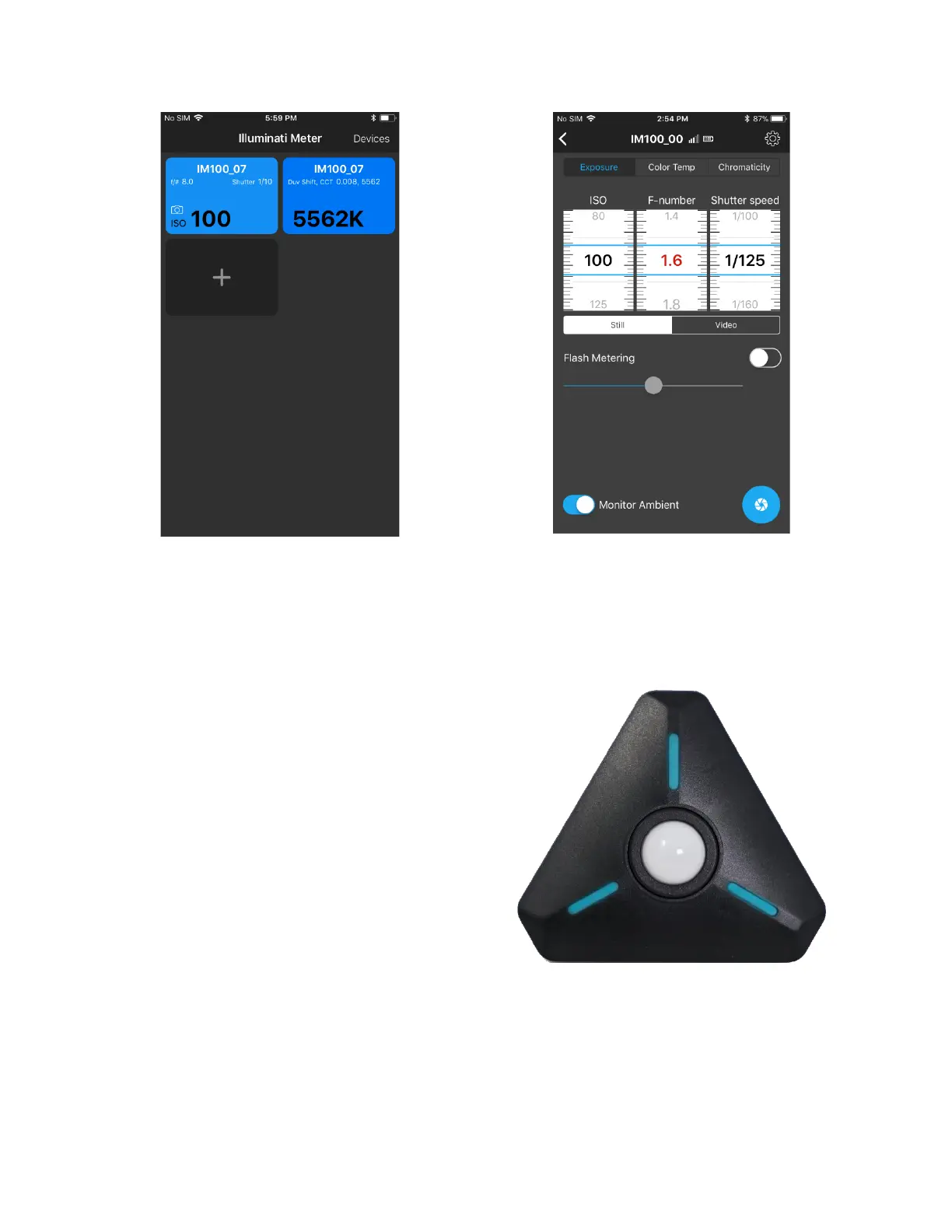
Example Tiles
Setting Exposure Conditions
If you select the tile with exposure information
on it, you will then enter a screen with a TAB
marked “Exposure”. This is where you read and
set the exposure conditions for your meter.
There are two other tabs at the top: Color
Temperature and Chromaticity. More about
them a bit later.
There is a switch on the Exposure TAB called
“Monitor Ambient”. For illustration purposes,
select this option. The LEDs on the meter will
start flashing yellow-green every second or so
and the readings on the meter will update with
each LED flash. The sampling interval is set in
the Settings screen, accessed by touching the
gear icon in the upper right corner of the
screen. Look for the settings labeled, “Ambient
Sample Rate”. Set the sample to 1 or 2 seconds
per sample.
You can change ISO, F-number and Shutter
speed using the UI. You select which of the
values to range by simply clicking on the middle
of the roller. Clicking in the middle of the F-
number roller in the illustration above, has
turned the numbers
red. As you change the ISO and Shutter speed,
the F-number will change.
Flash Metering



 To Next Page