12 | P a g e IM150 User Manual Illuminati Instrument Corp.
The IM150 and App support flash metering
either in cord or cordless mode. In cordless
mode, a special sensor and circuit in the meter
sense when the flash begins to fire and tracks
the flash power and duration instantaneously.
It also simultaneously tracks the ambient
exposure.
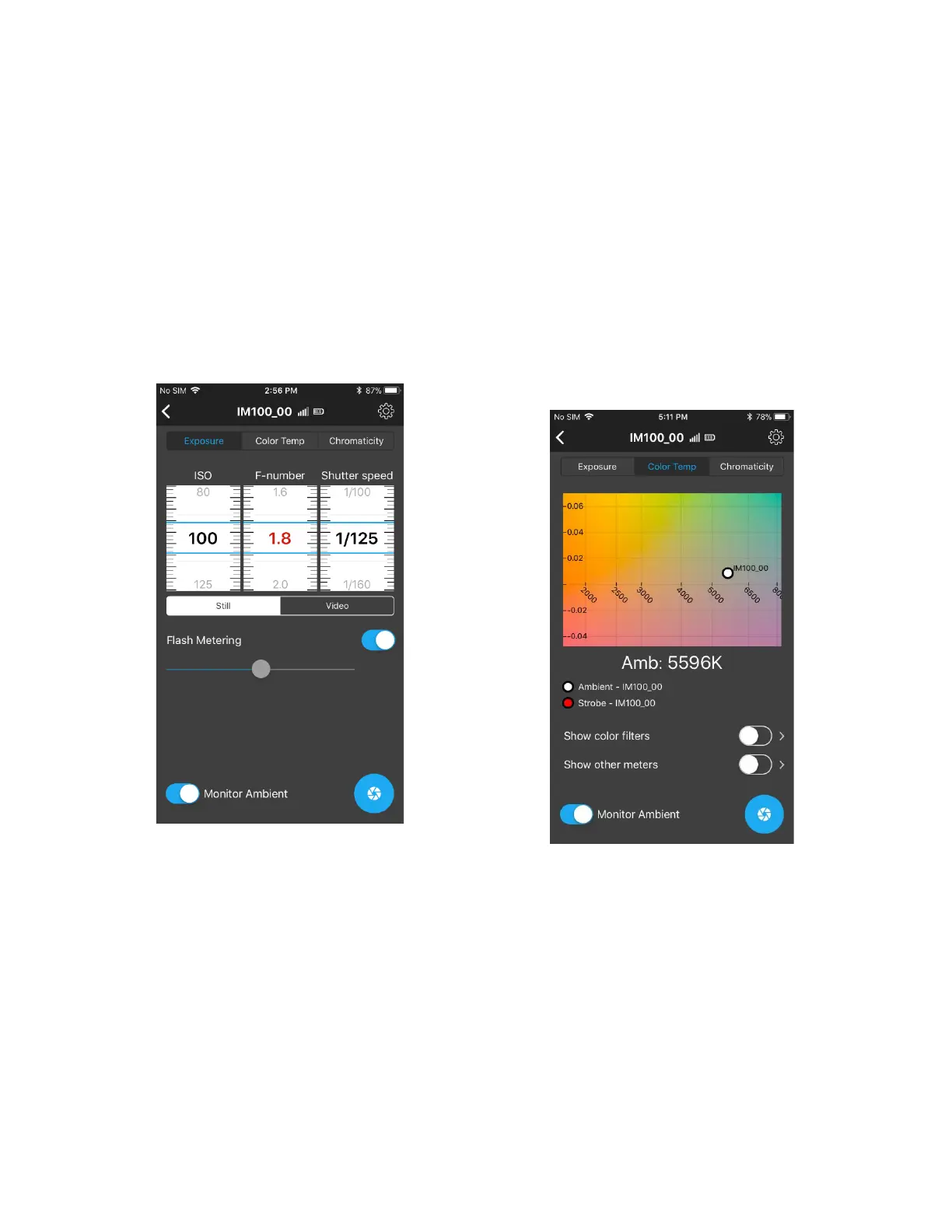
To turn flash metering, on, navigate to the
EXPOSURE TAB and locate the “Flash Metering”
control. Push the slider switch next to “Flash
Metering” to the right.
The meter will glow cyan (on and off) indicating
that it is waiting for a trigger event - that is, the
flash. Press the F-number wheel and those
settings will turn red. The red colored numbers
indicates the aperture will range as you change
the exposure time and ISO.
Set the ISO and Shutter speed to your desired
settings. Shutter speed will usually be the flash
sync speed for your camera.
You will see that an aperture is reported, but
that is just for the ambient conditions. At the
next step the App and meter will give you the
aperture.
Fire the flash. The meter will respond with the
correct aperture for your ISO, shutter speed,
and flash power.
Viewing the Color Temperature
You can also view the color temperature by
clicking on the Color Temp tab. The light source
is displayed as a white dot on a color graph.
Adding more tiles. See the section above on
Adding Tiles. You can have multiple tiles for
your meter and also multiple meters showing
up on your tile screen.
It is also possible to have two tiles with different
exposure settings. One tile could be set to ISO
100, for example, and the other to ISO 1600 –
each showing the correct exposure values for
that particular condition.



 To Next Page