Illuminati Instrument Corp. IM150 User Manual P a g e | 13
However, flash exposure and ambient
monitoring cannot exist in two different tiles
simultaneously. The meter supports one or the
other. It is, however, possible to add a second
meter to monitor another lighting condition.
The App supports connecting multiple meters
to your smartphone.
Metering Moving Images
The meter can also be used to determine the
exposure in terms that video and cinema
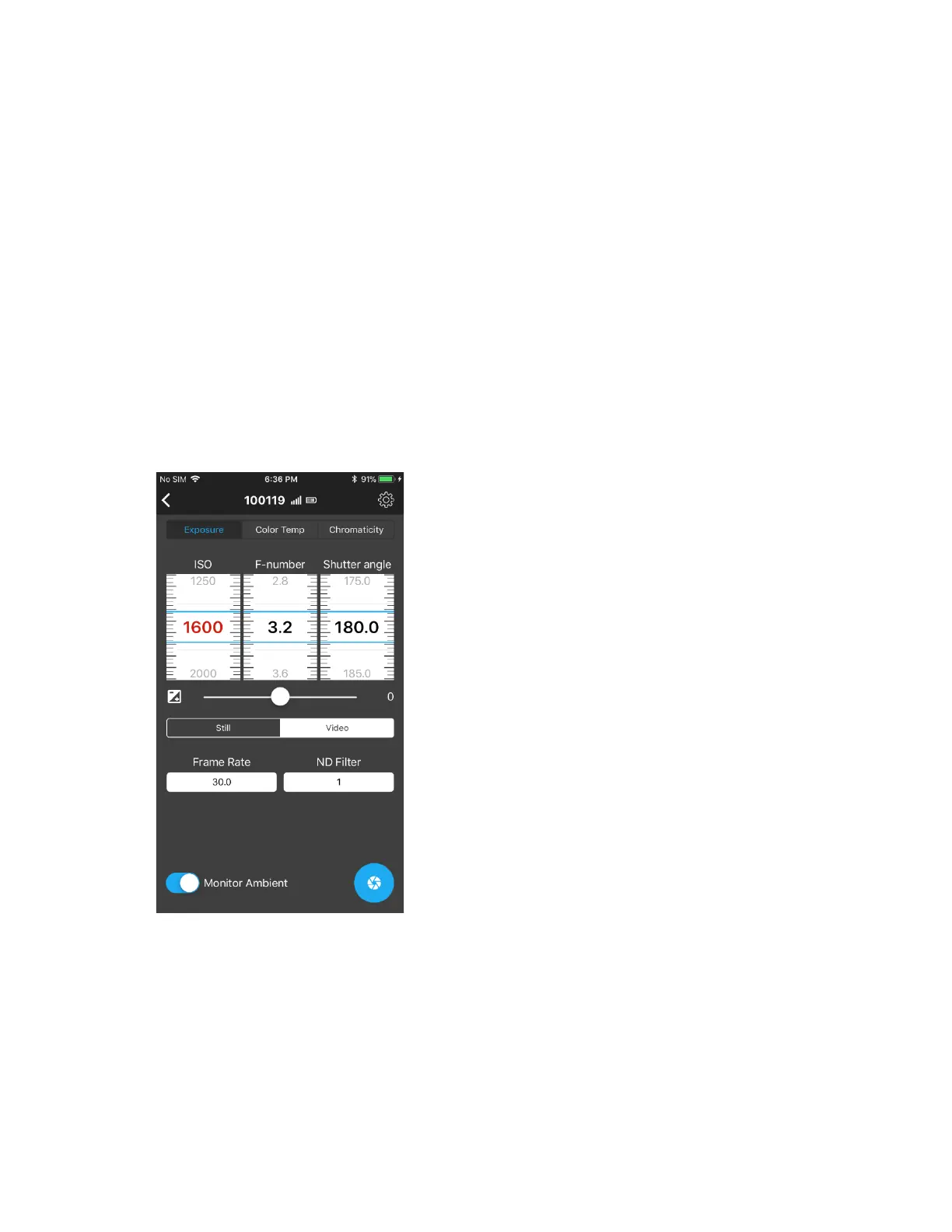
cameras use. In the EXPOSURE tab, you can set
the meter to Video mode and use Frame Rate,
Shutter Angle, and T-stops.
In the appendix, you will see the complete list
of settings for Frame Rate and Shutter Angle.



 To Next Page