14 | P a g e IM150 User Manual Illuminati Instrument Corp.
Color Filter Library
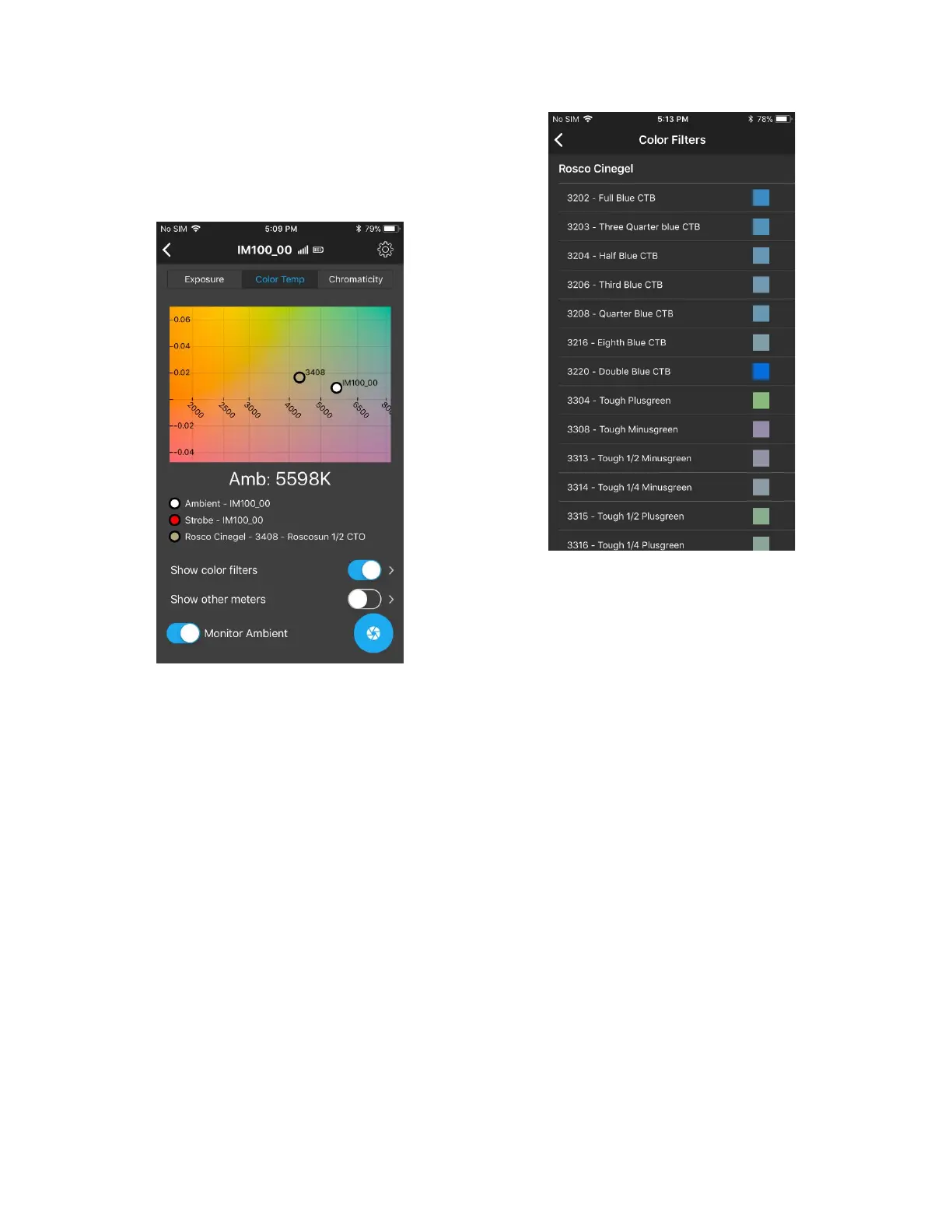
The app supports popular color filters from
both the Lee and the Rosco filter libraries which
can be viewed on the Color Temperature graph.
To show the filters on the graph, locate the
“Show color sliders” button, and push it to the
right. To select which color filters to show, click
on the right-arrow next to the button. You will
see a list of supported filters. Select one or
more filters to show.
When you have finished making selections,
press the left-arrow button at the top left of the
screen.



 To Next Page