EasyManua.ls Logo

Illustra Flex Series - User Manual

Illustra Flex Series
26 pages
Print Icon
To Next Page IconTo Next Page
Loading...
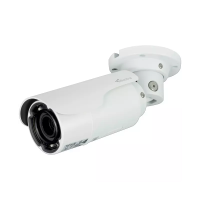
Illustra Flex Series 3MP and 8MP Outdoor
Bullet Cameras Quick Start Guide
Question and Answer IconNeed help?

Do you have a question about the Illustra Flex Series and is the answer not in the manual?

Summary

Product features

Product overview

Installation

In the box

Lists items included in the product packaging for installation.

Installation tools

Tools recommended to assist with the installation process.

Checking appearance

Procedure to inspect the unit and accessories for any visible damage upon unboxing.

Procedure 1 Mounting the camera

Procedure 2 Connecting the wires

Procedure 3 Adjusting the camera position

Procedure 4 Adjusting the sun shield hood

System requirements

Network Connection

Default IP Address

Describes the default IP address and subnet mask for the network unit.

DHCP

Procedure 5 Connecting from a computer

Procedure 6 Enable DHCP

Procedure 7 Disable DHCP

Managing cameras with the Illustra Connect tool

Procedure 8 Connecting to the camera using Illustra Connect

Steps to connect and configure cameras using the Illustra Connect software.

Procedure 9 Connecting to the camera using the static IP address

Procedure 10 Logging on to the camera web user interface

Procedure 11 Enabling the correct video orientation for a wall mounted camera

Network Topology

Appendix A: Technical Specifications

Appendix B: Stream Resolutions

Illustra Flex Series Specifications

General IconGeneral
IR IlluminationYes
Weather RatingIP66
ZoomDigital Zoom
Vandal ResistanceIK10
Power OptionsPoE, 12VDC
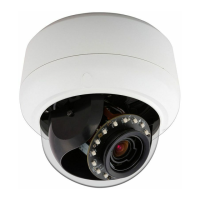
Camera TypeDome
SeriesFlex Series
IR DistanceUp to 30m
Video CompressionMJPEG, H.264
Field of ViewVaries by lens
Video AnalyticsMotion detection, Tamper detection
StorageMicroSD card slot
Network Interface10/100 Ethernet
Day/Night FunctionalityTrue Day/Night with IR cut filter

Related product manuals