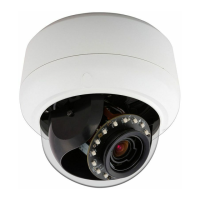
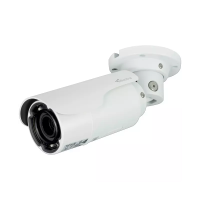
Illustra Flex 3MP Indoor and Outdoor Dome Cameras Quick Start Guide
8200-1456-02 E0 12
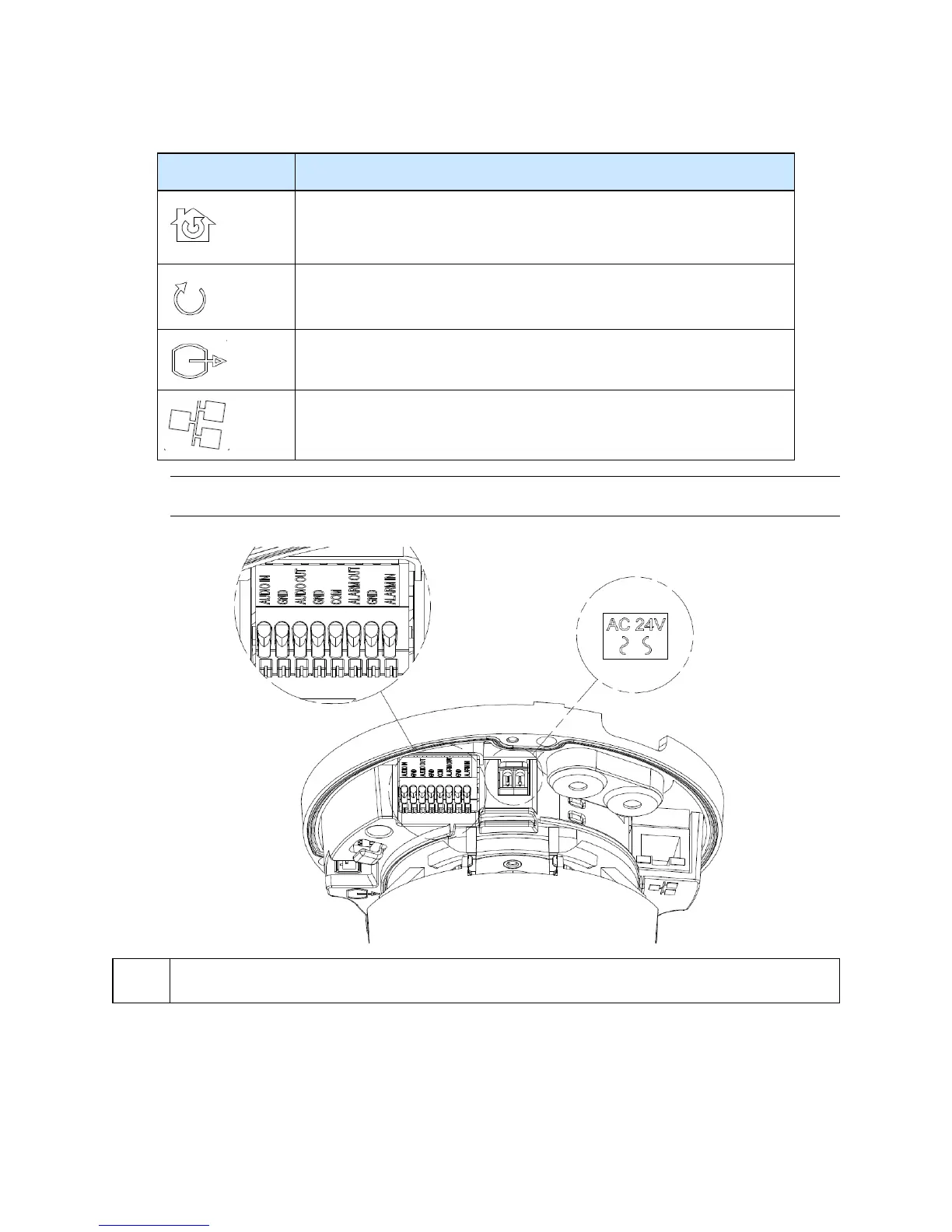
Table 18 Interior button descriptions
Interior button Description
Resets to factory default by pressing and holding the button for five seconds.
Reboots the unit.
Analog out port.
Power over Ethernet (PoE) port.
Note:The connector cable of the Outdoor Dome Camera should be contained in a conduit suitable for
outdoor use.
Figure 19 Connectors of the unit
NOTE
Connectors and field wiring terminals for external Class 2 circuits provided with marking indicating
minimum Class of wiring to be used. Class 2 shall be marked adjacent to the field wiring terminals.
Figure 20 Audio and alarm pin definitions


 To Next Page