1 2 3
setting the quantity of coffee in a cup
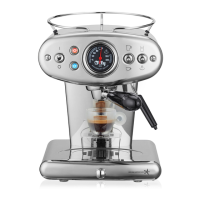
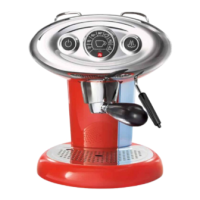
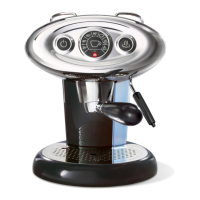
The X1 machine allows you to brew the desired quantity of coffee in two modes: automatic and manual.
Note: a capsule must be inserted into the capsule holder and then the latter must be inserted into the brew head as described in the chapter
“making coffee”.
Automatic mode - to set and memorize the quantity of coffee to be brewed, carry out the following steps:
- Place a cup beneath the capsule holder 1.
- Press the coffee switch down and keep it pressed until the coffee has reached the desired level 2.
Release the switch 3. The machine is now programmed.
Manual mode - to set the machine to work in the manual mode, carry out the following steps:
- Place a cup beneath the capsule holder 1.
- Press the coffee switch down and keep it pressed until the machine automatically stops dispensing coffee 2.
Release the switch 3.
In this case the programming has been cancelled.
Note: in the automatic mode it is also possible to make coffee using the manual procedure.
Carry out the following steps:
- Press the coffee switch down 2 for about 3 seconds
- Press the coffee switch down 2 again to stop the flow
- In this manner you will not change the quantity of coffee initially programmed
Note: when the machine is set for manual control of the quantity of coffee, after you start brewing it will be necessary to press the coffee
switch 2 down again when the coffee has reached the desired level in the cup in order to stop the flow.


 To Next Page
 Loading...