6.5.4
MOTOR DRIVE
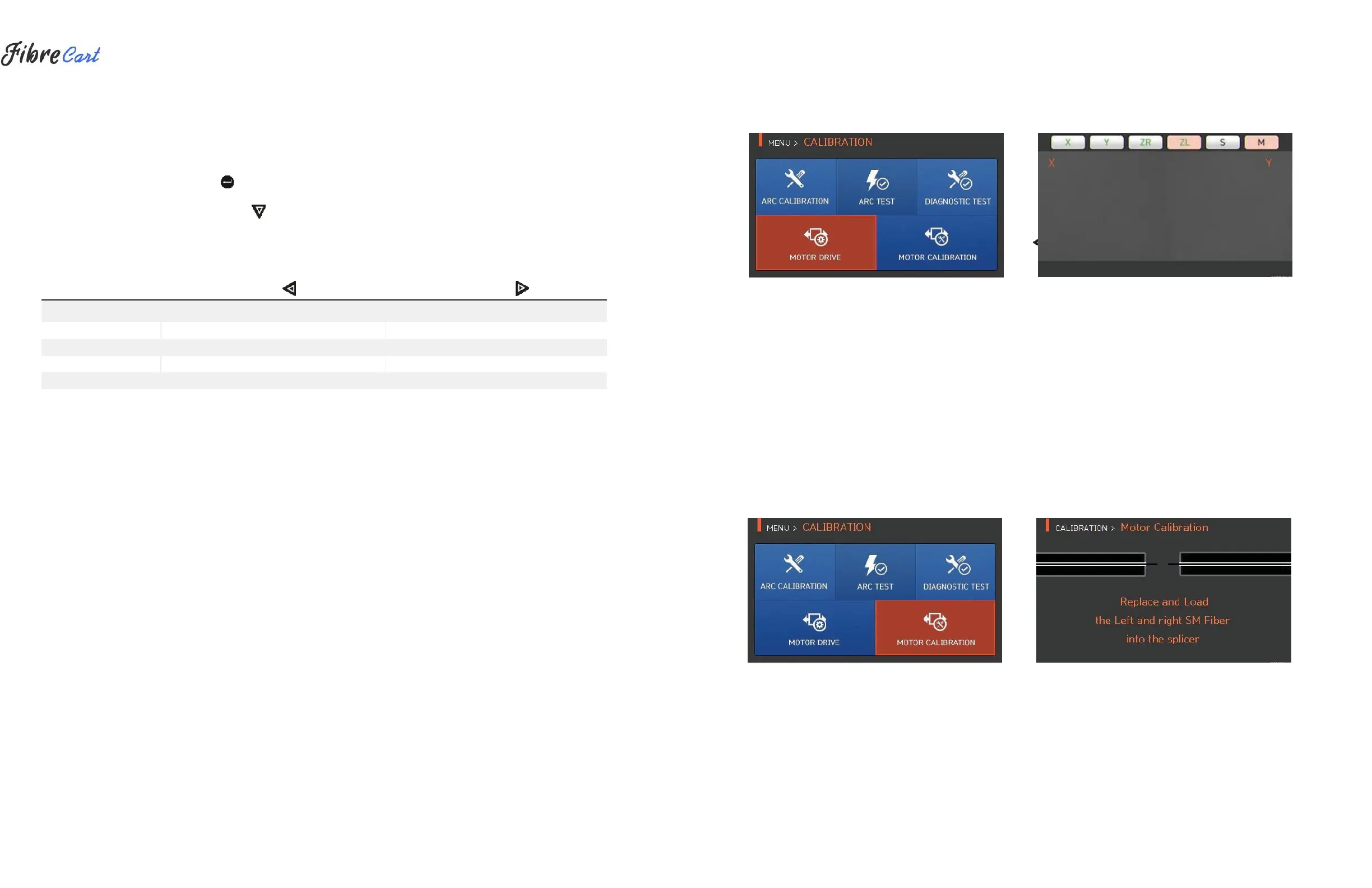
Motor drive checks whether the motor operates normally in manual mode.
1| Remove the fiber from the splicer.
2| Select “MOTOR DRIVE” with the button.
3| Change the motor selection by pressing . The name of the selected motor is indicated at the top of the
screen. 4| Operate the motor in a direction wanted by pressing .
MOTOR
Moves left fiber backward.
Moves right fiber forward.
Moves right fiber backward.
Moves step by step upon every press of the button.
Moves step-by-step upon every press of the button.
Continuously moves upon pressing the button.
Continuously moves upon pressing the button.
6.5.5
MOTOR CALIBRATION
The motor setting is set on splicer as default, but depending on motor setting location, splice speed may slow
down. If the speed slows down during the splice operation, or any abnormality occurs while in the entering
position, the motor setting can be automatically calibrated through this function.
38



 To Next Page