V10M10_IM_EN_02142008
www.i-Luv.com - 13 -
OPERATIONAL INSTRUCTIONS
Navigating the Setup Menu-continued
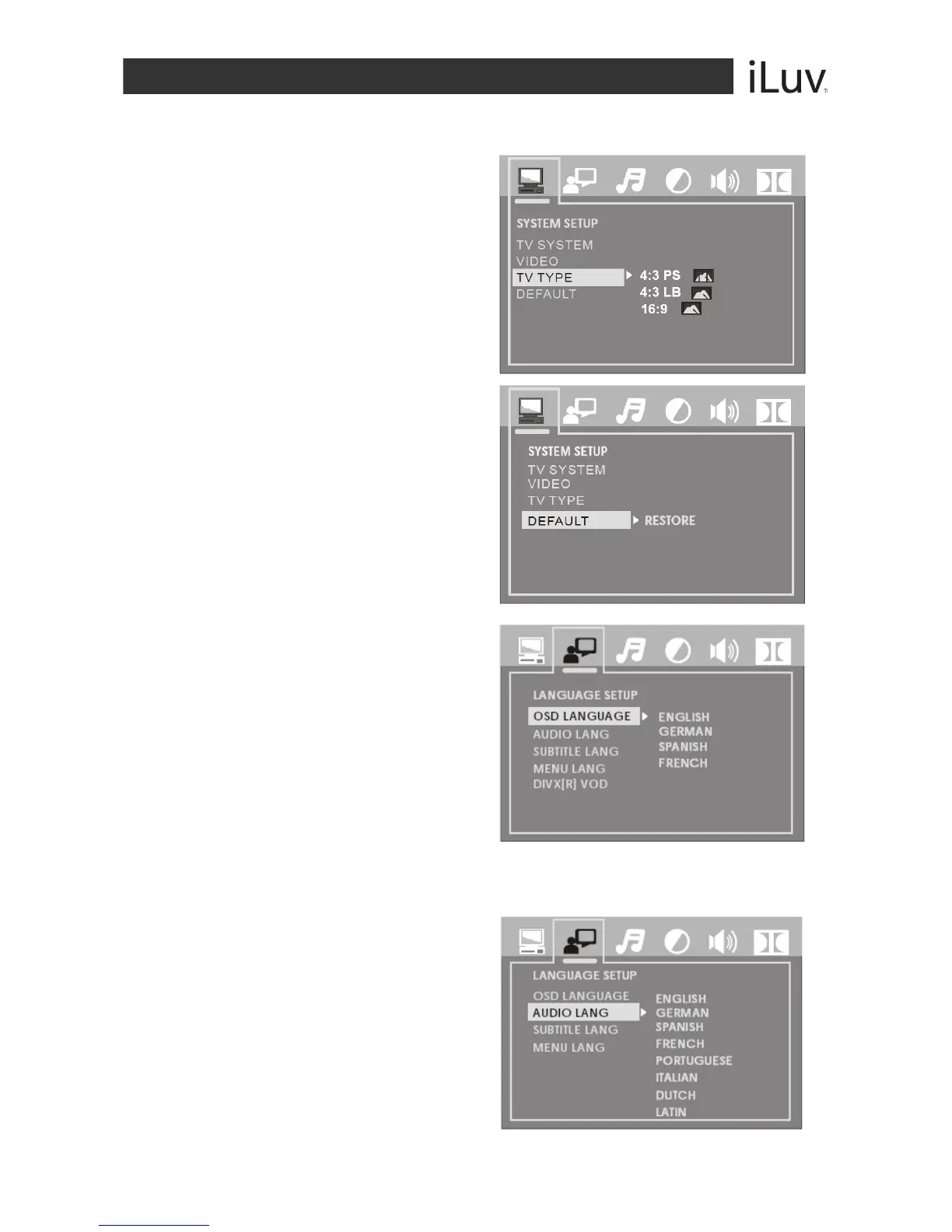
TV TYPE
Choose the aspect ratio according to
your TV type. (16:9, 4:3LB or 4:3PS)
DEFAULT
Choose this option to return the unit
to factory settings.
Language Setup
OSD LANGUAGE
Highlight the OSD Language option
and use the NAVIGATION W / X / S
/ T buttons to choose the language
you prefer for the on-screen display.
Press the ENTER button to confirm.
AUDIO LANGUAGE
Highlight the Audio Lang option and
use the NAVIGATION W / X / S / T
buttons to choose the audio language
you prefer.
Press the ENTER button to confirm.
If the disc supports the language
chosen, audio output will be in the
chosen language.



 To Next Page