V10M10_IM_EN_02142008
www.i-Luv.com - 15 -
OPERATIONAL INSTRUCTIONS
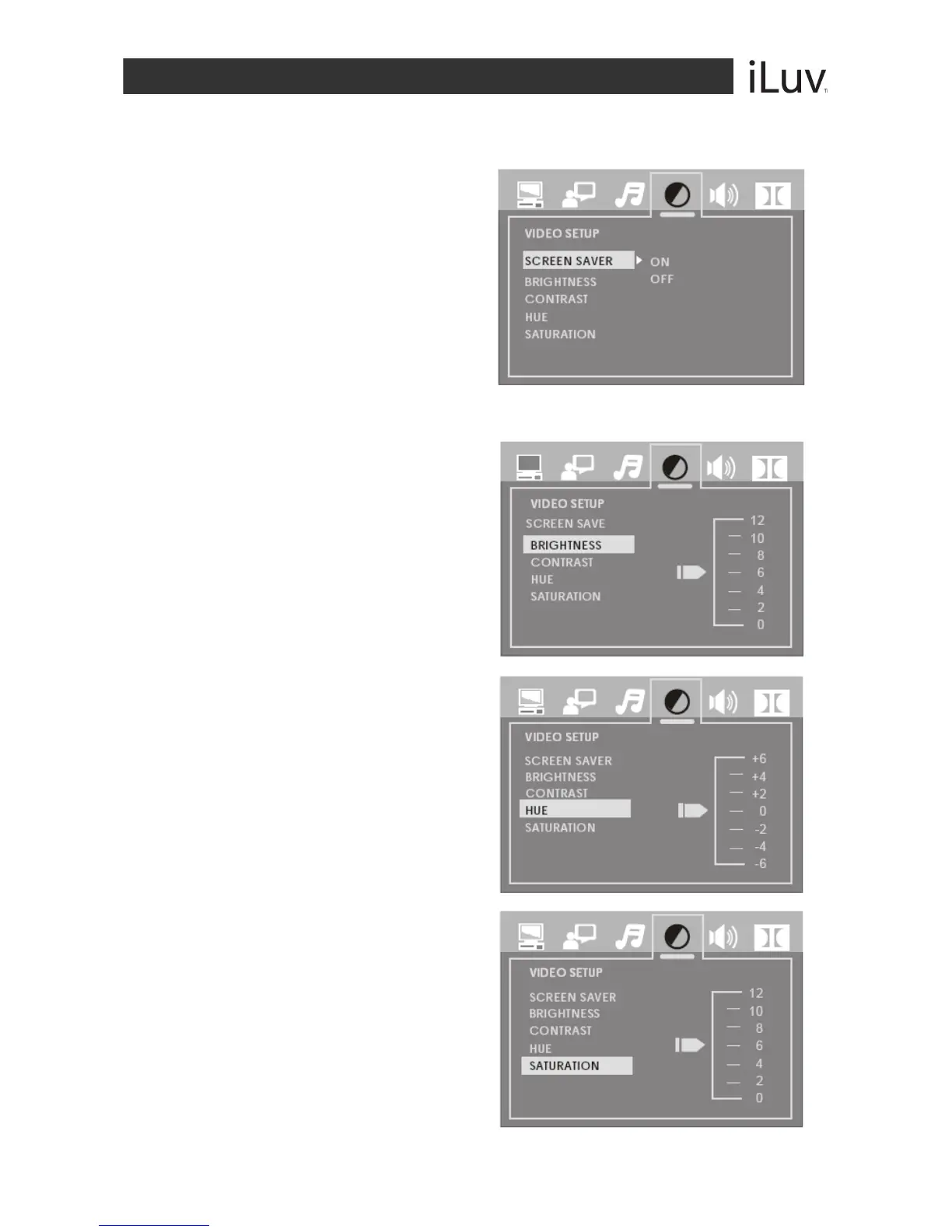
Video Setup
SCREEN SAVER
The Screen Saver protects your screen from
damage and is activated when the DVD player
is in Stop mode, Open, No-disc state, or when
there is a frame frozen for more than 60
seconds.
ON: Activates the Screen Saver
OFF: Deactivates the Screen Saver
Note: The default setting is ON
BRIGHTNESS
Use the NAVIGATION S / T buttons to adjust
the brightness of the screen.
CONTRAST
Use the NAVIGATION S / T buttons to adjust
the contrast of the screen.
SATURATION
Use the NAVIGATION S / T buttons to adjust
the saturation of the screen.



 To Next Page