13 | iLuv
OPERATIONAL INSTRUCTIONS
SLEEP 120
AUG 27 2010 THU
Using the Sleep Function
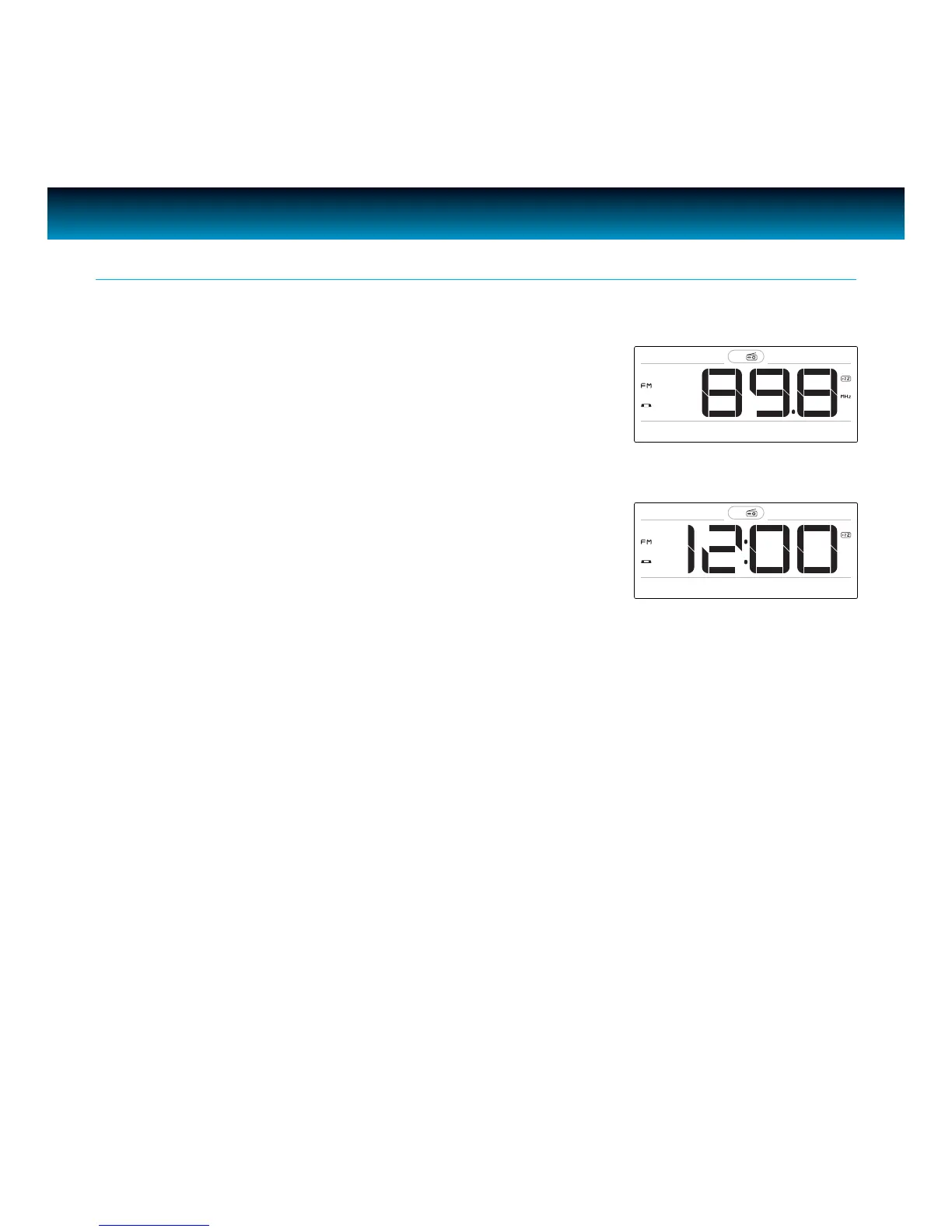
1. Press SLEEP to activate sleep function and the Sleep icon
[Zzz] will display on LCD, repeat press SLEEP to change the
sleep time:
· 120 min. > 90 min. > 60 min. > 30 min. > 15 min. > o >
120 min…
2. If inactive for ve (5) seconds, the LCD returns to normal
display and [Zzz] icon remains on LCD.
3. In standby mode, if the Sleep function is activated, the unit
will turn on automatically.
4. During Sleep play mode, press SLEEP once to check the
remaining time with a ve (5) second temporary display.
Press the SLEEP button twice or more to re-set the sleep
time.
Note: When setting the sleep time in power ON mode, if the sleep time is set to OFF, the unit will not will not
turn OFF tomatically. Repeatedly press SLEEP to set the sleep time to OFF. The sleep function will turn o
and [Zzz] icon will disappear.



 To Next Page