iLuv | 12iMM178 | V10M10_IM_EN_01262010
OPERATIONAL INSTRUCTIONS
Using the Snooze Function
1. Press SETUP in either power ON or power OFF mode and
rotate the SEARCH wheel to select “4. SNOOZE SET”.
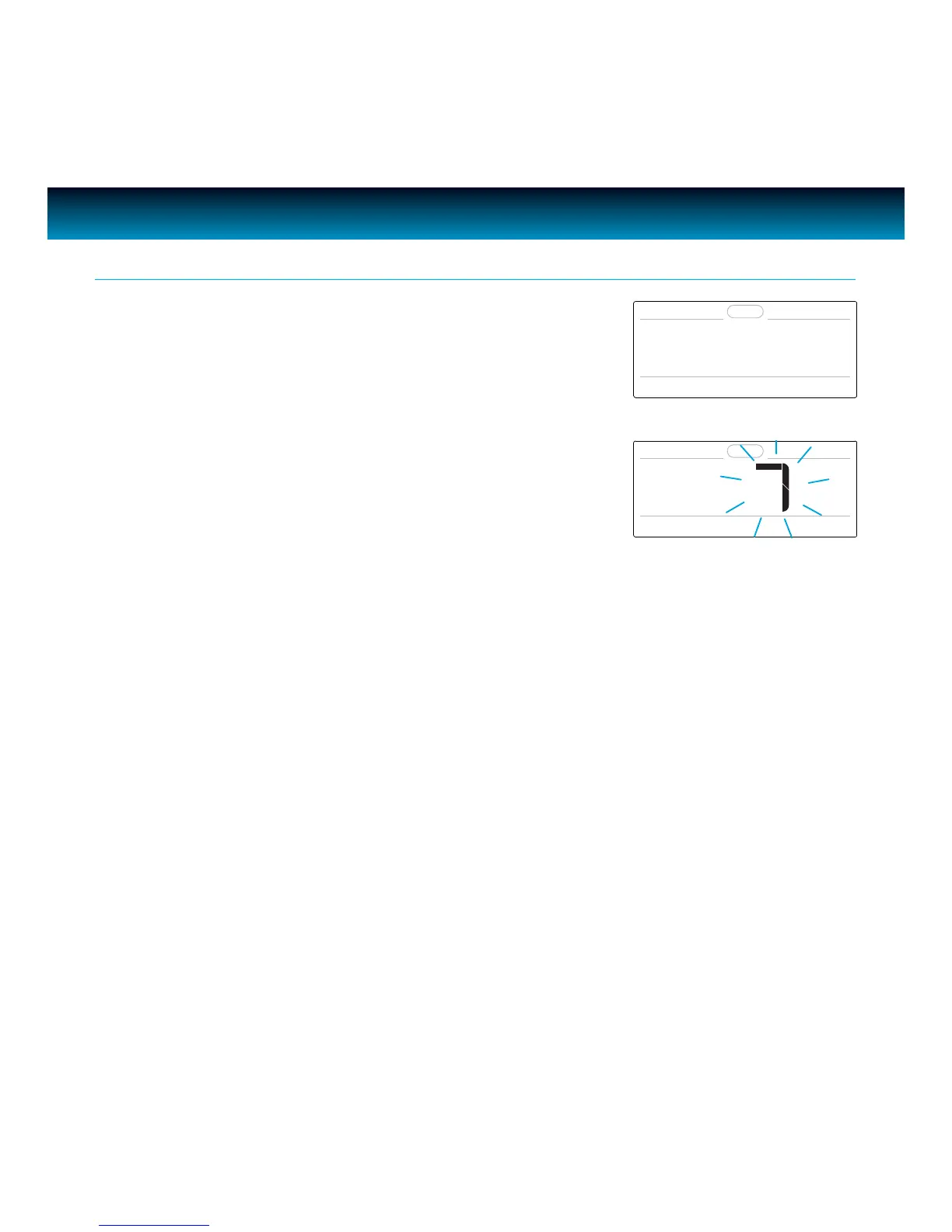
2. Press SELECT to enter, the value of snooze time ashes and
“SNOOZE TIME” displays on LCD.
3. Rotate the SEARCH wheel to change the snooze time, press
SELECT to conrm and exit.
· Total 4 snooze time can be selected: 5, 7, 9, 15 minutes.
· The default setting of snooze time is 7 minutes.
4. SNOOZE SET
SNOOZE TIME



 To Next Page