ON
Connect AC power adapter to the unit. Then plug into AC wall outlet. Clock will appear on LCD.
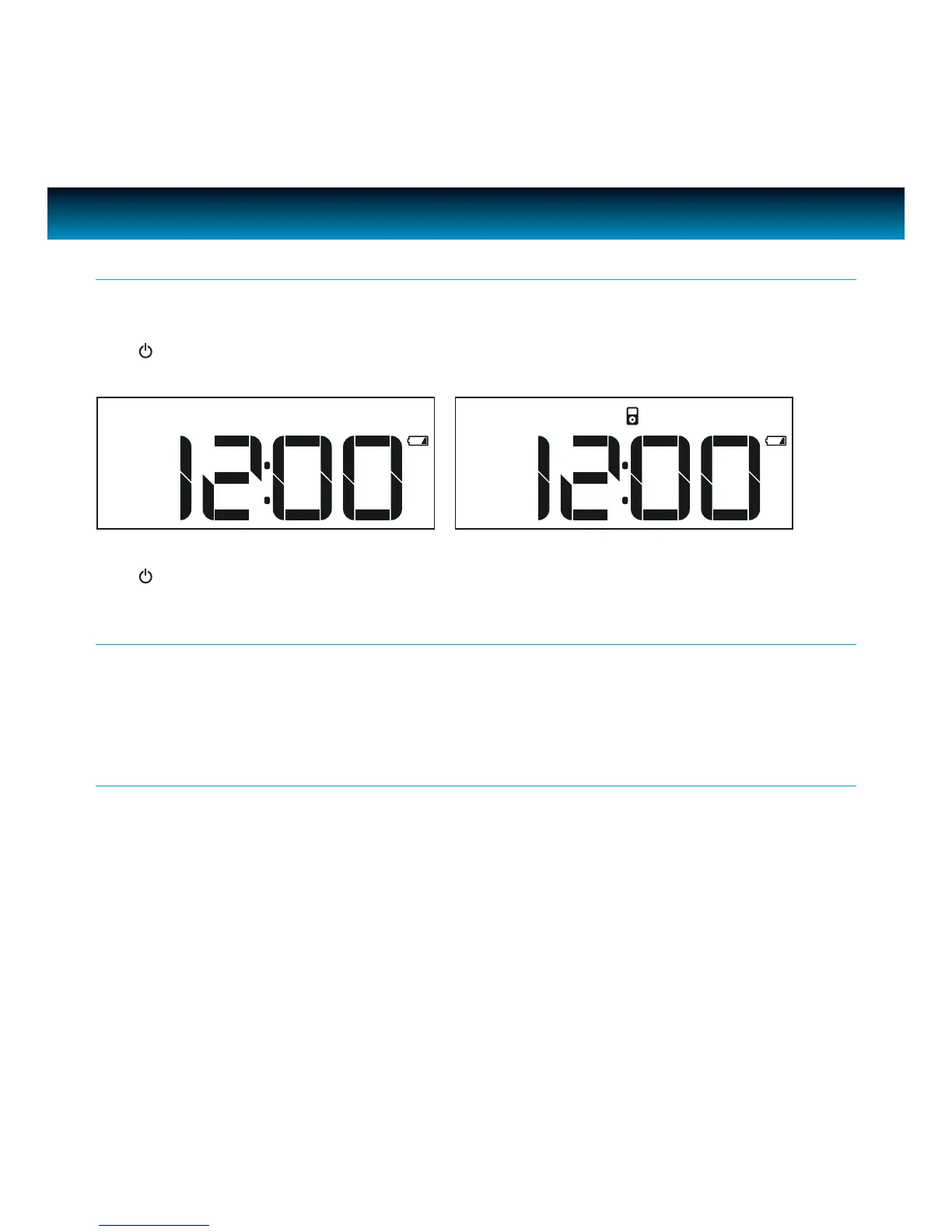
Press /AL OFF to turn on the unit. Power indication LED will light and LCD will display current
playing mode.
Power
GETTING STARTED
iLuv | 6iMM178 | V10M10_IM_EN_01262010
OFF
Press /AL OFF to turn o the unit. LCD will display current time only.
Insert three (3) AAA batteries. When there’s a power outage, clock setting will be maintained. In this
status, the unit will not fully function. When the inserted battery is low, low battery indicator will
display on the LCD.
Back Up battery
If the AC supply is interrupted, the clock display we will make memory function for FM preset even
power is outage will go o and most of settings will be canceled. To back up the clock, insert three
“AAA” size batteries (not supplied) in the battery compartment in the bottom of the unit. The back
up battery does not provide operation of your iPhone or iPod.
Note: Always use Alkaline batteries and remove the batteries when the unit is not to be used for an extended
period of time.
Back Up Function



 To Next Page