7 | iLuv
OPERATIONAL INSTRUCTIONS
Manual Setting
1. Press
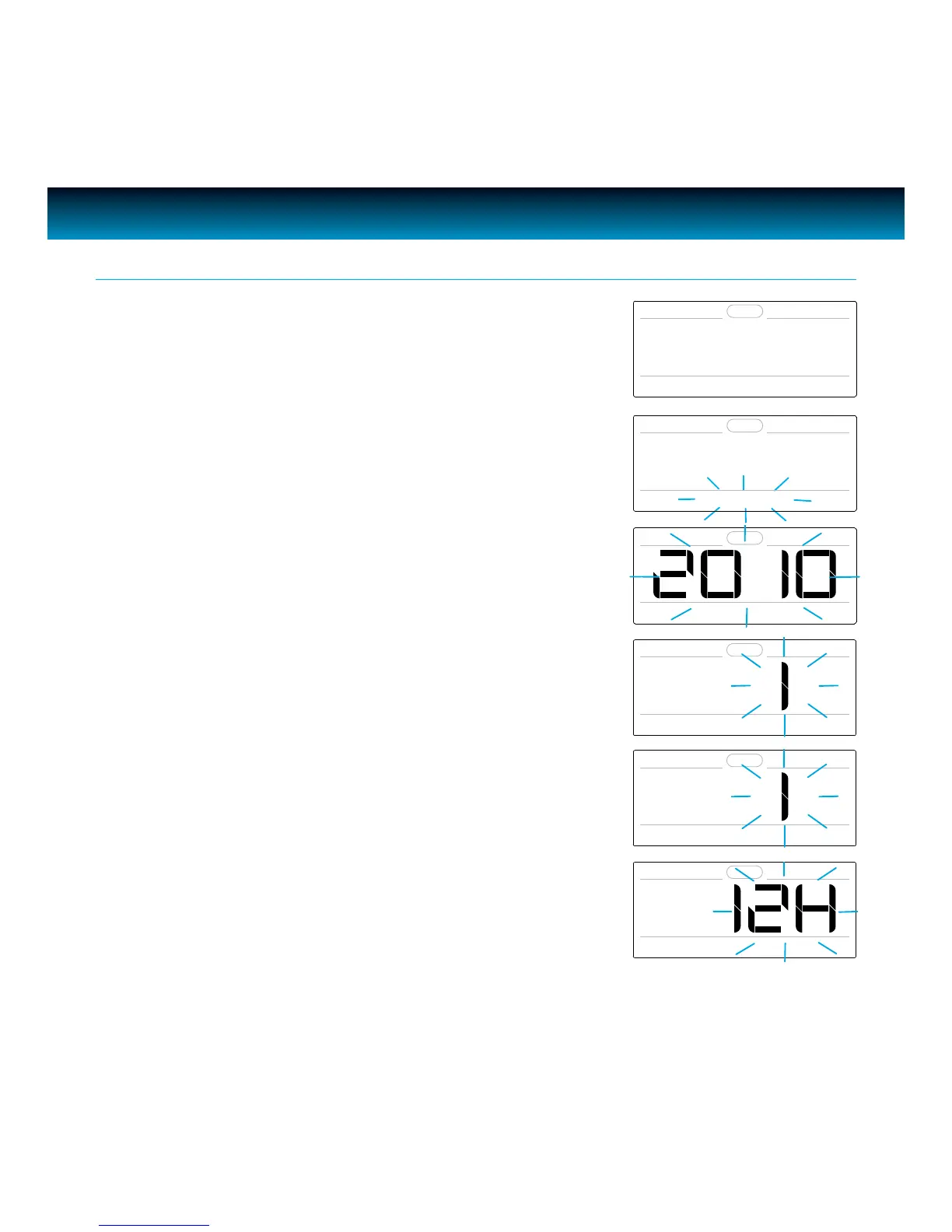
SETUP. “1. TIME SET” will appear on the LCD screen.
Setting the Clock
2. Press SELECT. “MANUAL SET” will blink on the LCD screen.
3. Press
SELECT. The year will blink “SET YEAR” will display on
the LCD screen and rotate the SEARCH wheel until current
year displays, and press SELECT to conrm.
1. TIME SET
SET YEAR
MANUAL SET
SET MONTH
SET DATE
SET FORMAT
4. The month will blink and “SET MONTH” will appear on the
LCD screen and rotate the SEARCH wheel until current
month displays, and press SELECT to conrm.
5. The date will blink and “SET DATE” will appear on the LCD
screen and rotate the SEARCH wheel until current date
displays, and press SELECT to conrm.
6. “12H” or “24H” will blink and “SET FORMAT” will appear on
the LCD screen and rotate the SEARCH wheel to choose
your preferred format, and press SELECT to conrm.



 To Next Page