iLuv | 10iMM178 | V10M10_IM_EN_01262010
OPERATIONAL INSTRUCTIONS
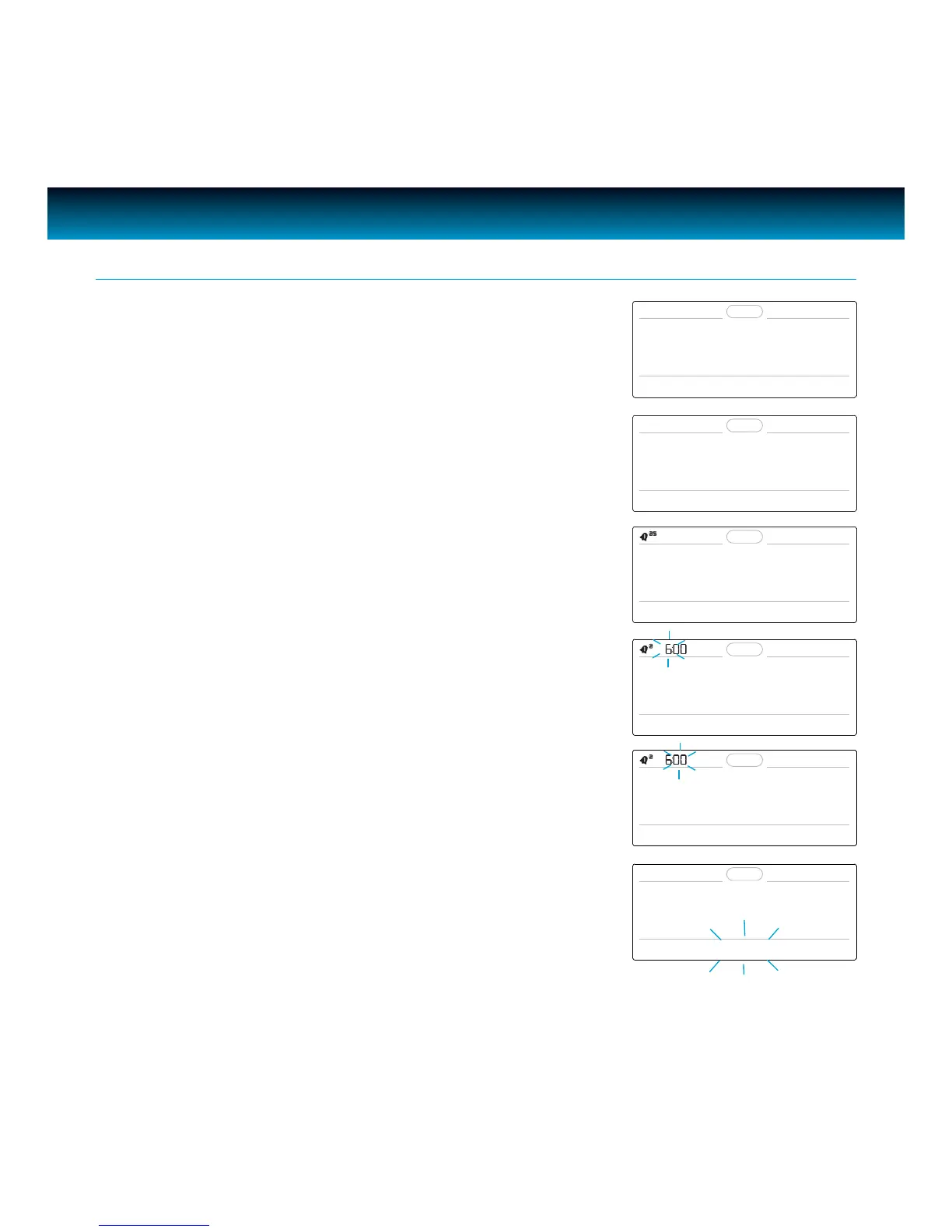
User is able to set two distinct alarms on the unit.
1. Press
SETUP and rotate the SEARCH wheel until
“2. ALARM 1 SET” or “3. ALARM 2 SET” appears on the LCD
screen.
2. Press SELECT and “FREQUENCY” will appear on the screen
3. “5” and “2” will blink in the upper left corner of the display
(5 = weekdays, 2 = weekends).
4. Rotate the
SEARCH wheel to scroll through, “EVERYDAY” (5
+ 2), “WEEKDAYS” (5), or “WEEKENDS” (2). Press SELECT to
conrm frequency, the hour will blink and “SET HOUR” will
appear on the LCD screen.
5. Rotate the SEARCH wheel to change hour, press SELECT to
conrm, the “minute” ashes and “SET MINUTE” displays on
the LCD screen.
6. Rotate the SEARCH wheel to change minute, press SELECT
to conrm, the wake to mode ashes and “SET WAKE TO”
displays on the LCD screen.
Setting the Alarm
2. ALARM 1 SET
FREQUENCY
EVERYDAY
SET HOUR
SET MINUTE
SET WAKE TO



 To Next Page