GB
19
USER SETTINGS
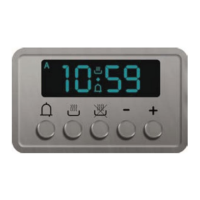
With the oven on, select the icon and confirm with the key to enter the SETTINGS
menu. This menu permits personalizing the settings of your oven. To make access, no
active cooking or any set time functions must be in progress.
NOTE
The Setting menù can never be set if any time function is already
set: first delete all the active time functions.
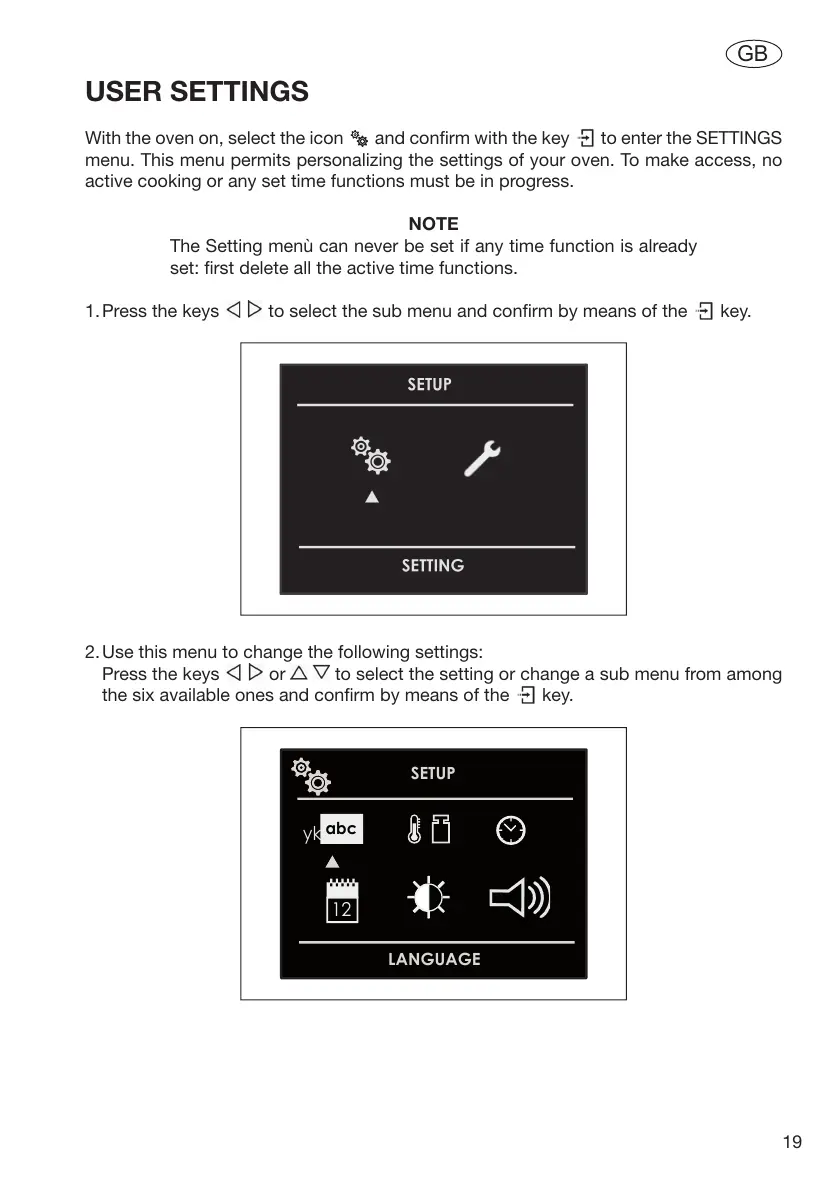
1. Press the keys to select the sub menu and confirm by means of the key.
2. Use this menu to change the following settings:
Press the keys or to select the setting or change a sub menu from among
the six available ones and confirm by means of the key.


 To Next Page