GB
21
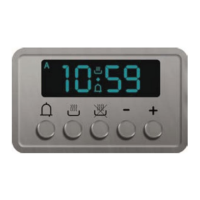
Time
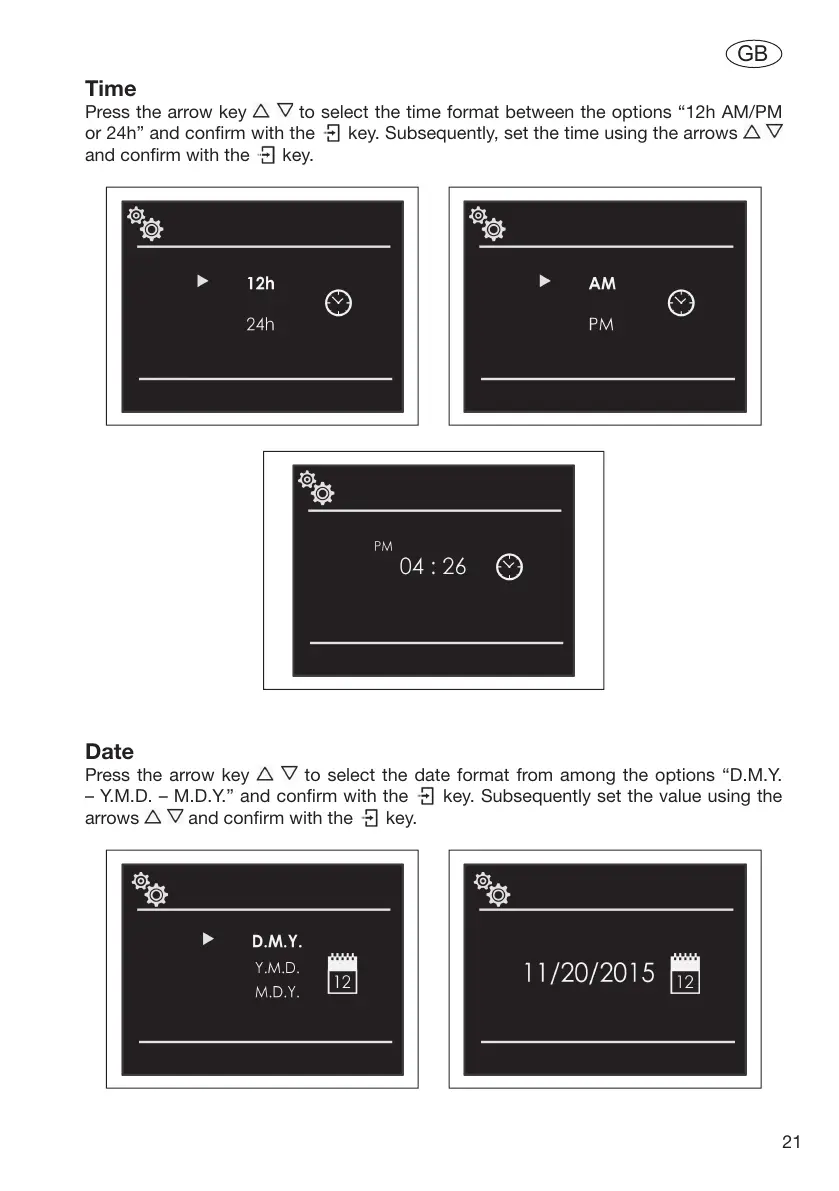
Press the arrow key to select the time format between the options “12h AM/PM
or 24h” and confirm with the key. Subsequently, set the time using the arrows
and confirm with the key.
Date
Press the arrow key to select the date format from among the options “D.M.Y.
– Y.M.D. – M.D.Y.” and confirm with the key. Subsequently set the value using the
arrows and confirm with the key.


 To Next Page