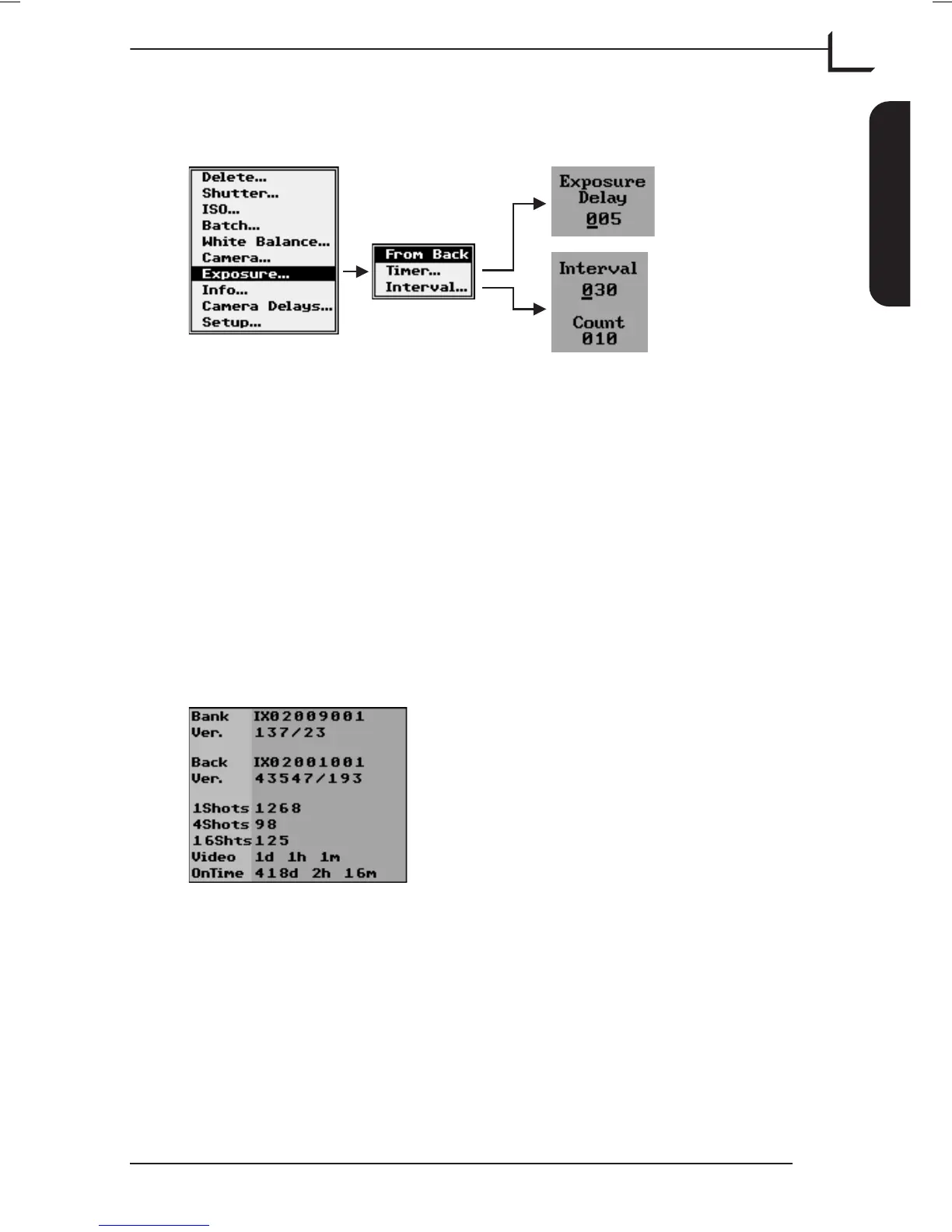
Exposure…
For making special exposure settings.
Select whether or not you want to be able to capture a shot directly from
the camera back. When the From Back item is enabled the control panel's
Browse/Scroll button will function as exposure button when pressing
the center of the button.
When using the Timer function the camera back will automatically
capture a shot when the set time runs out.
The Interval function makes the camera capture a number of shots at
fixed intervals.
Please note that a 5 sec. exposure extend feature is available on some
cameras. This feature extends the current exposure setting with up to 5
sec. if needed.
Info…
Shows the serial numbers of your Ixpress Camera Back and Image Bank.
It also lists the total number of captures shot in single-shot, multi-shot
and micro-step mode respectively, the time used in "Live Video" mode
and the total time in which the unit has been switched on.
User's Guide - Imacon Ixpress
English
The Ixpress Camera Back
25
Using the Control Panel



 To Next Page