Care and Maintenance
Handling and Storage
•
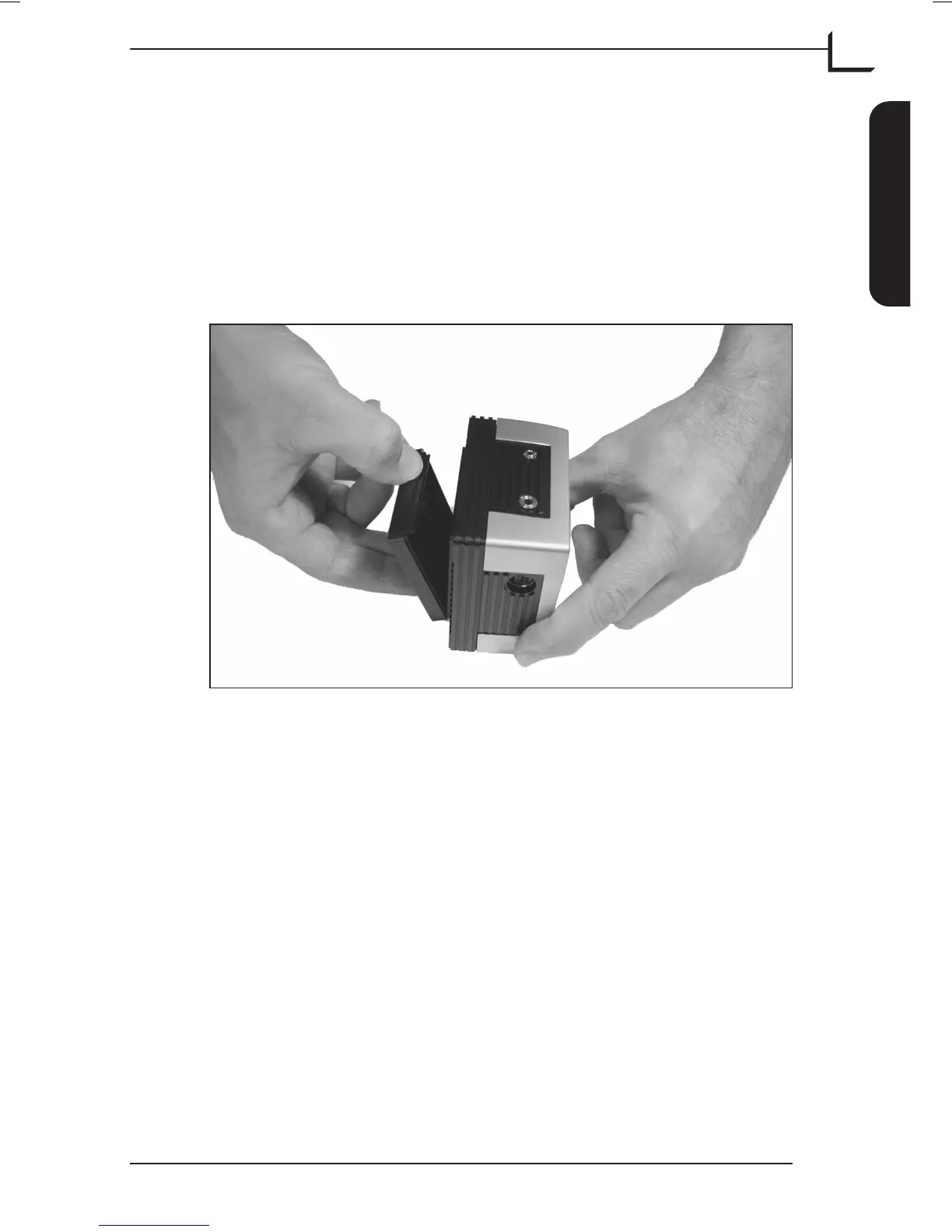
Always replace the protective CCD cover when the camera back is not
mounted on your camera - see Figure 9.
•
Do not touch the exposed CCD or infrared filter with your fingers.
•
Keep all foreign objects out of the CCD opening.
•
Store your camera back and Image Bank away from moisture and
excessive heat - see “Technical Specifications” on page 49 for
operational- and storage requirements.
•
Protect your camera back and Image Bank from impact; do not drop
them.
•
Keep the original shipping boxes for storage.
User's Guide - Imacon Ixpress
English
Care and Maintenance
45
Handling and Storage
Figure 9: CCD Cover



 To Next Page