Transferring Images
All shots saved to the Image Bank’s hard disk must be transferred to a
computer for viewing, selecting and processing.
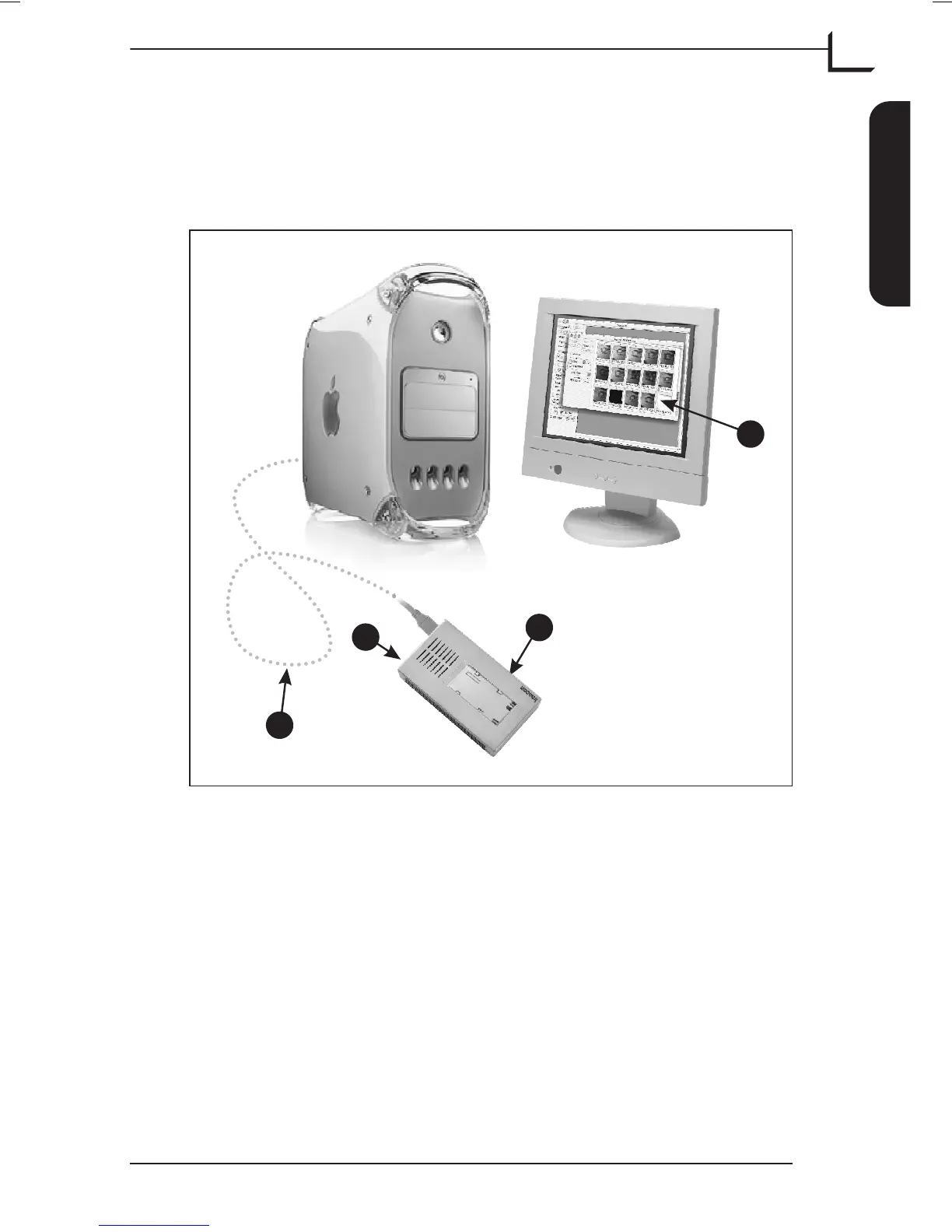
Connecting the Image Bank to the computer
To connect the Image Bank to the computer follow description below
(see Figure 6):
•
Start your computer, launch the FlexColor application and open the
Thumbnails window.
•
Connect the Image Bank A to the computer using a FireWire cable B.
•
Switch on the Image Bank on the On/Off button C.
•
Within a few seconds a Contents window D is available with
thumbnails of all images ready to load.
User's Guide - Imacon Ixpress
English
The Image Bank
35
Transferring Images
A
C
B
D
Figure 6: Connecting the Image Bank to the computer



 To Next Page