Switch On the Scanner
To switch on the scanner, proceed as follows:
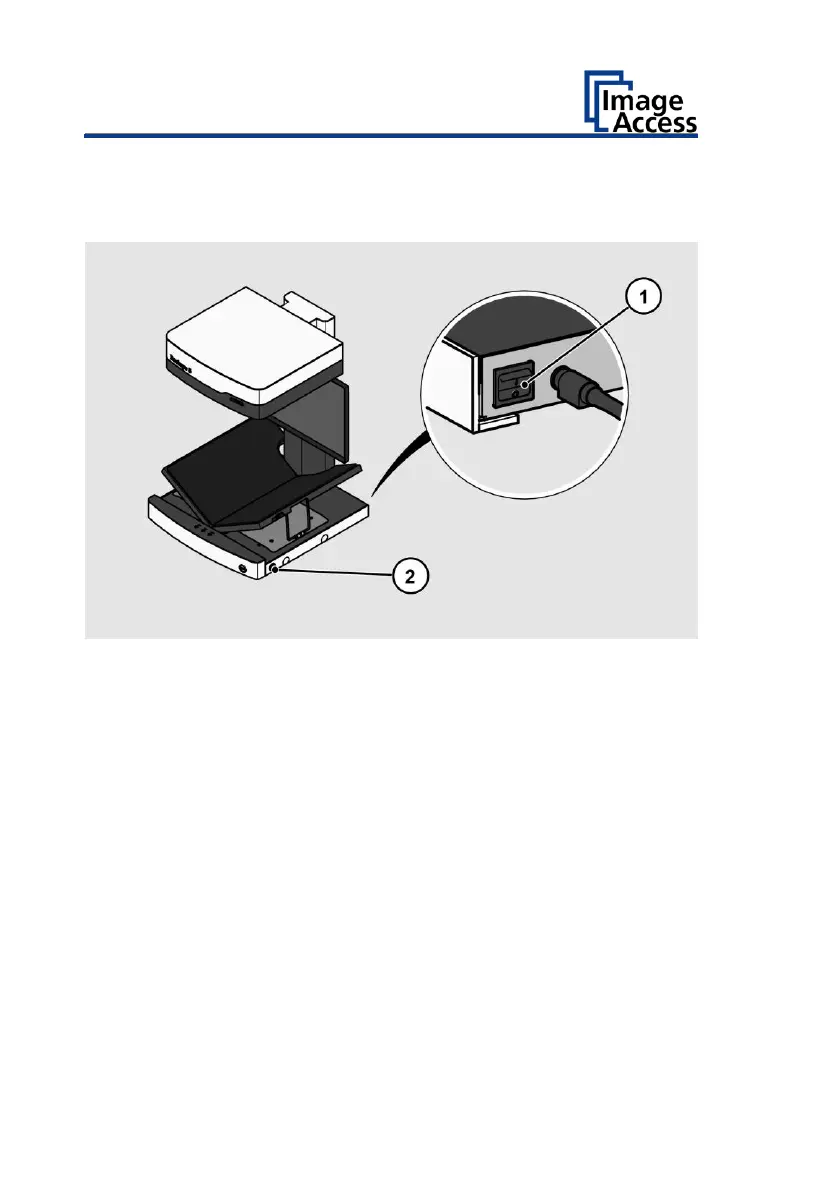
➢ Press the MAIN SWITCH (1) on the back to the "I" position.
The POWER button (2) does not light up.
➢ Press the POWER button to wake up the scanner.
The POWER button lights up in blue.
The scanner performs a system test.


 To Next Page
 Loading...




