EasyManua.ls Logo

Image Access WideTEK 25-600 - User Manual

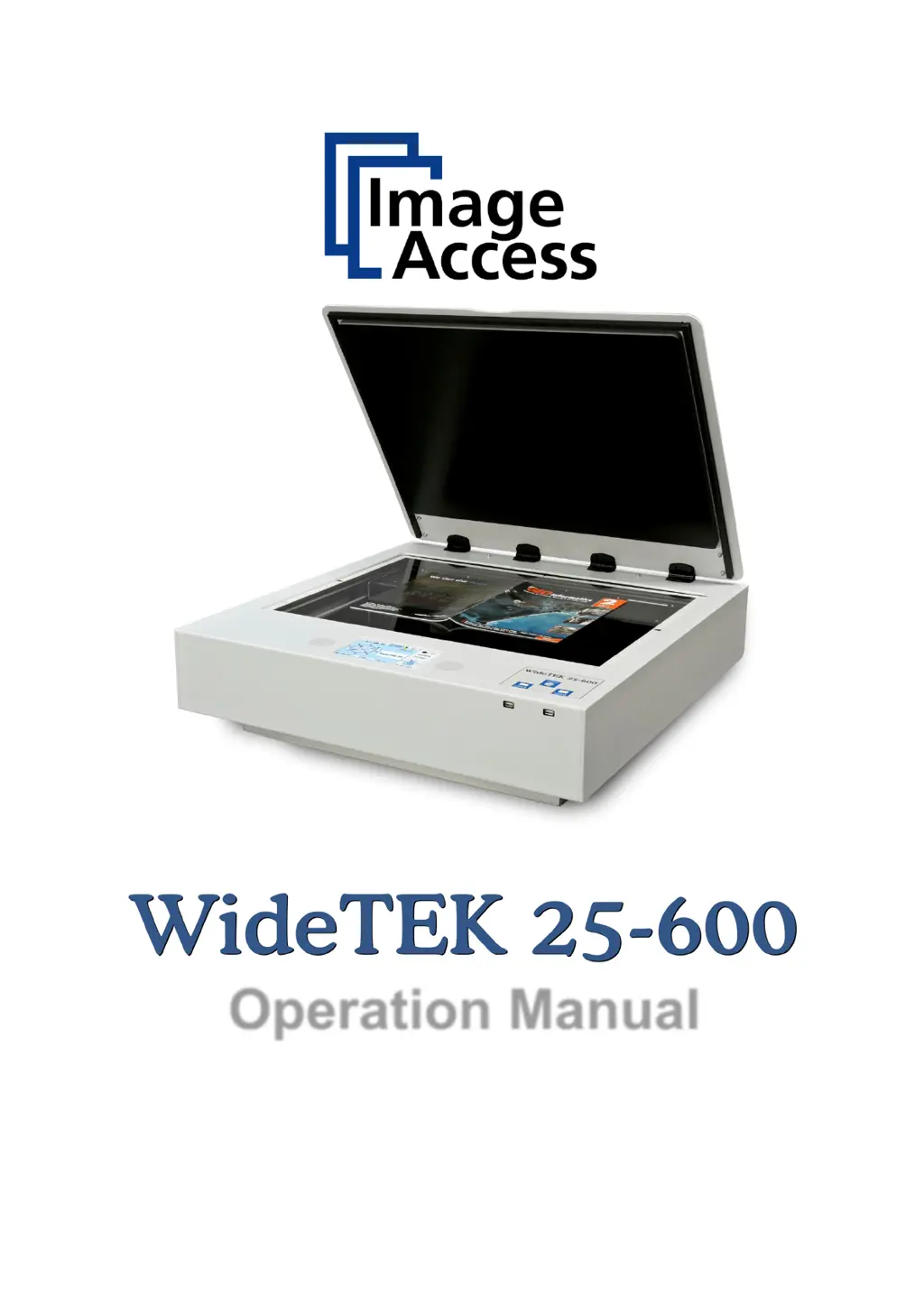
Image Access WideTEK 25-600
125 pages
Print Icon
To Next Page IconTo Next Page
Loading...
Operation Manual

Table of Contents

Other manuals for Image Access WideTEK 25-600

Questions and Answers

Summary

Introduction and Manual Overview

Manual Structure

Explains the manual's organization and content.

Version History

Details previous revisions and changes made to the manual.

Hardware and Initial Setup

Safety and Precautions

Covers safety notes, marking, certification, general notices, and precautions.

Device Location and Setup

Guidelines for scanner placement, environment, unpacking, and transport preparation.

Device Overview and Powering Up

Identification of components, connectors, and initial power-on procedures.

Touchscreen Operation

Interface Navigation and Application Selection

Choosing applications and understanding the main touchscreen interface.

Document Source Settings

Configuring format, resolution, scan modes, and color space for documents.

Image Quality Adjustments

Fine-tuning brightness, contrast, gamma, and applying image manipulation.

Viewer and Job Control Functions

Managing scanned images, using the preview, and operating in job mode.

Software and Output Configuration

Web Interface and Settings

Navigating the web interface, options, properties, camera, and format screens.

Output Destination Setup

Configuring scan output to save, print, copy, FTP, email, web, or USB.

System Setup and Troubleshooting

User Access and Settings

Logging in, managing user settings, language, and power saving.

Troubleshooting Guide

Common problems, causes, solutions, and error code references.

Technical Data and Compliance

Scanner Specifications

Detailed technical data on optical system, illumination, and glass plate.

Electrical Data and Dimensions

Information on voltage, power consumption, dimensions, and weight.

Declarations of Conformity

CE and FCC compliance statements for the scanner.

Summary

Introduction and Manual Overview

Manual Structure

Explains the manual's organization and content.

Version History

Details previous revisions and changes made to the manual.

Hardware and Initial Setup

Safety and Precautions

Covers safety notes, marking, certification, general notices, and precautions.

Device Location and Setup

Guidelines for scanner placement, environment, unpacking, and transport preparation.

Device Overview and Powering Up

Identification of components, connectors, and initial power-on procedures.

Touchscreen Operation

Interface Navigation and Application Selection

Choosing applications and understanding the main touchscreen interface.

Document Source Settings

Configuring format, resolution, scan modes, and color space for documents.

Image Quality Adjustments

Fine-tuning brightness, contrast, gamma, and applying image manipulation.

Viewer and Job Control Functions

Managing scanned images, using the preview, and operating in job mode.

Software and Output Configuration

Web Interface and Settings

Navigating the web interface, options, properties, camera, and format screens.

Output Destination Setup

Configuring scan output to save, print, copy, FTP, email, web, or USB.

System Setup and Troubleshooting

User Access and Settings

Logging in, managing user settings, language, and power saving.

Troubleshooting Guide

Common problems, causes, solutions, and error code references.

Technical Data and Compliance

Scanner Specifications

Detailed technical data on optical system, illumination, and glass plate.

Electrical Data and Dimensions

Information on voltage, power consumption, dimensions, and weight.

Declarations of Conformity

CE and FCC compliance statements for the scanner.

Image Access WideTEK 25-600 Specifications

General IconGeneral
TypeLarge Format Scanner
Scanning TechnologyContact Image Sensor (CIS)
Scanning Width25 inches
Optical Resolution600 dpi
InterfaceGigabit Ethernet
Color Depth24-bit
Weight66 lbs (30 kg)

Related product manuals