Page 72 Manual
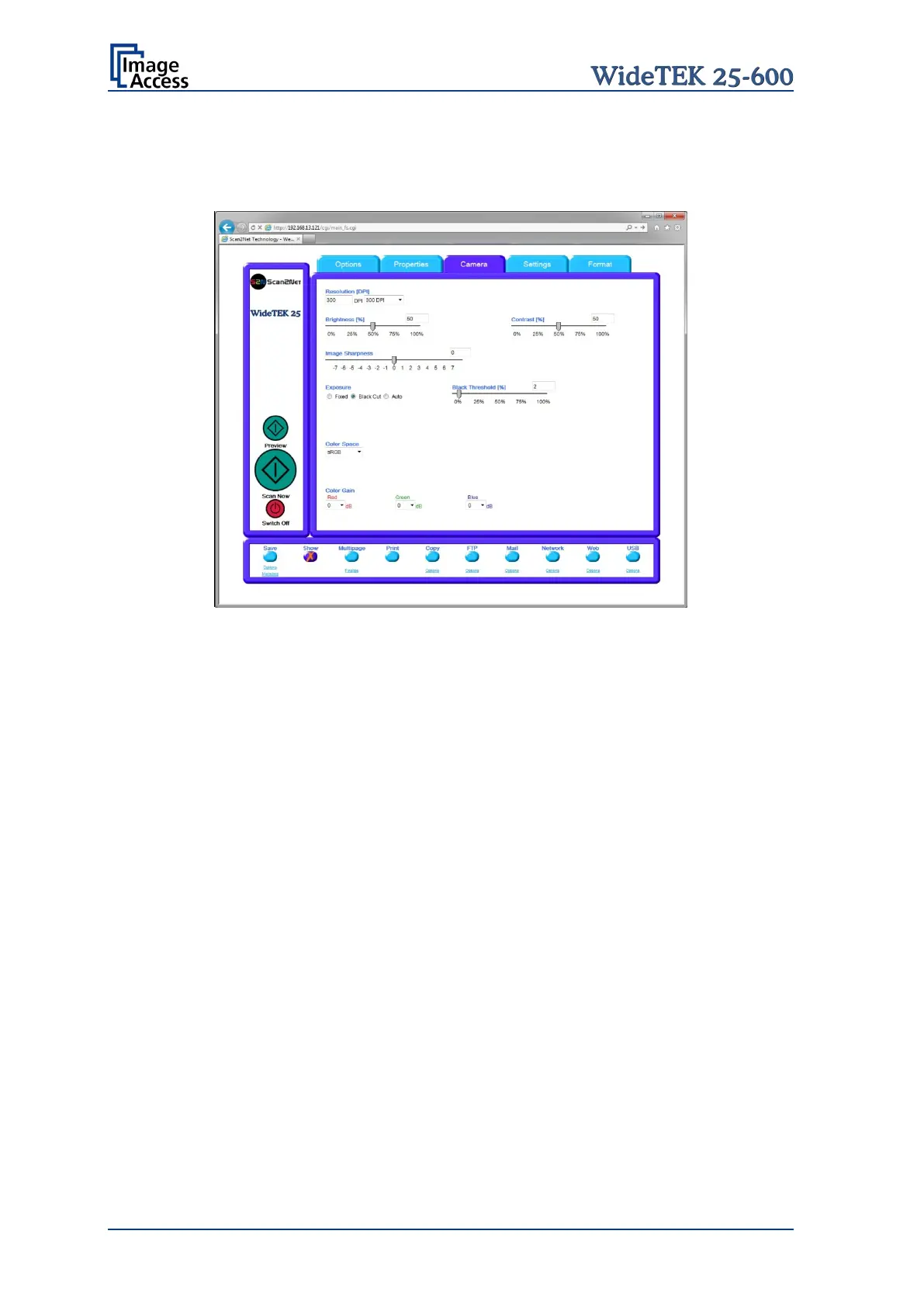
Exposure
The Exposure function sets the threshold value for the black cut function or for the auto
exposure function.
Picture 69: Exposure control slider
When Black Cut or Auto is selected, an additional slider is displayed. This slider allows
setting the threshold – defined in percent – for the Black Cut function and the Auto
function.
Black Cut
Value range from
0% (zero) to 100%.
Sets the threshold for black. All pixel values found in the image below
the selected value are set to black.
Result: The image contrast is improved.
0% (zero) to 100%.
Sets the threshold for black and activates the automatic exposure
control.
These function searches the image for the highest and th
e lowest pixel
value. The highest pixel value is defined as “white”. Is the lowest pixel
value higher than the threshold it is defined as “black”. Otherwise all
values below the threshold are defined as “black”.
Result: Automatic contrast control and the image contrast is improved.










 To Next Page