Manual Page 33
B.3.1.2 Auto
The complete scan area will be scanned.
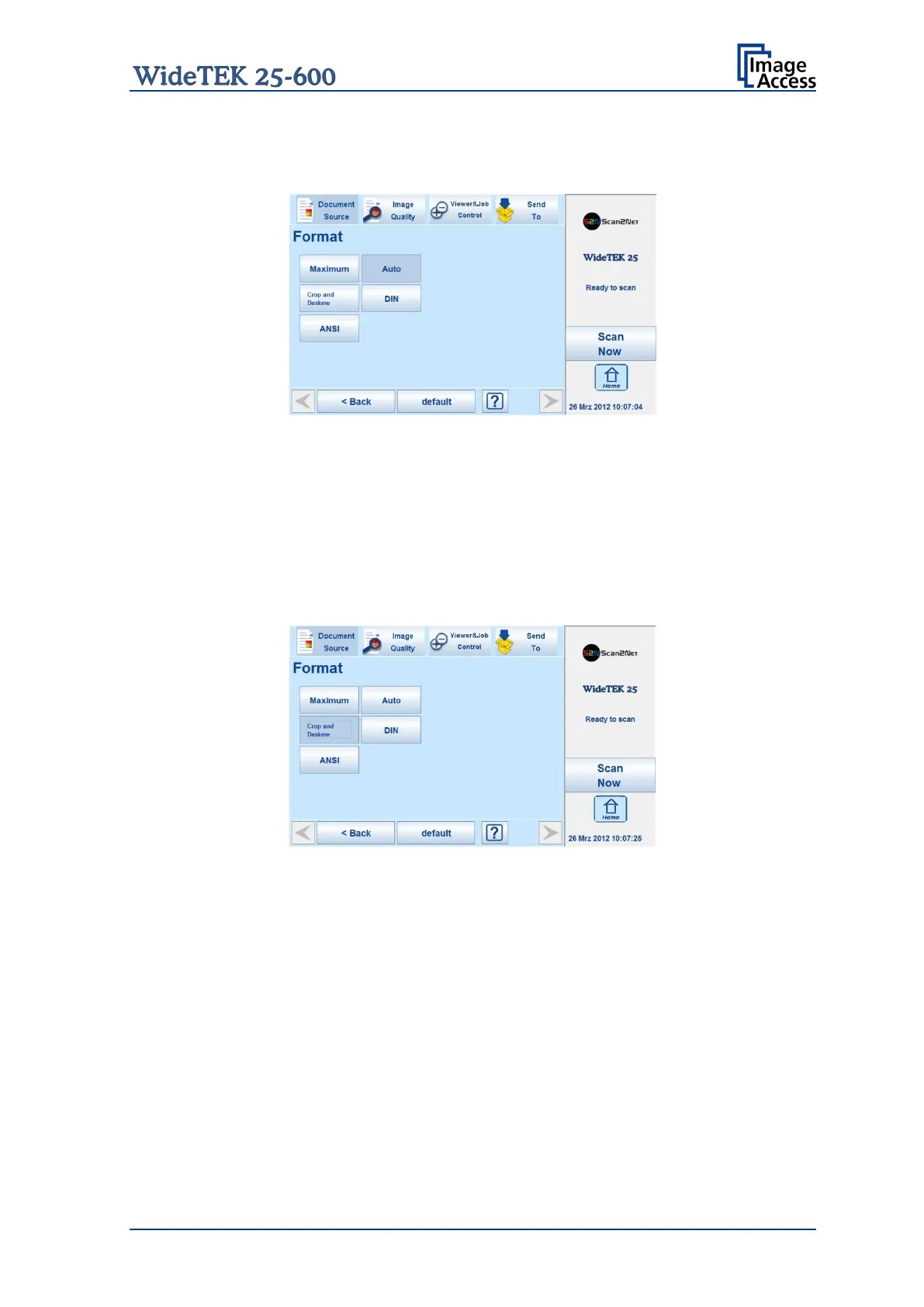
Picture 14: Format mode Auto
The resulting image will be reduced to the document size. If the document is not exactly
aligned horizontally, the resulting images will have the smallest possible black margin.
The black margin depends on the size of rectangle which covers the complete document.
B.3.1.3 Crop and Deskew
The complete scan area will be scanned.
Picture 15: Format mode Crop and Deskew
If a document is not placed perfectly aligned horizontally and vertically, this function will
correct the alignment.
The resulting image shows the aligned document without any border.










 To Next Page