Page 74 Manual
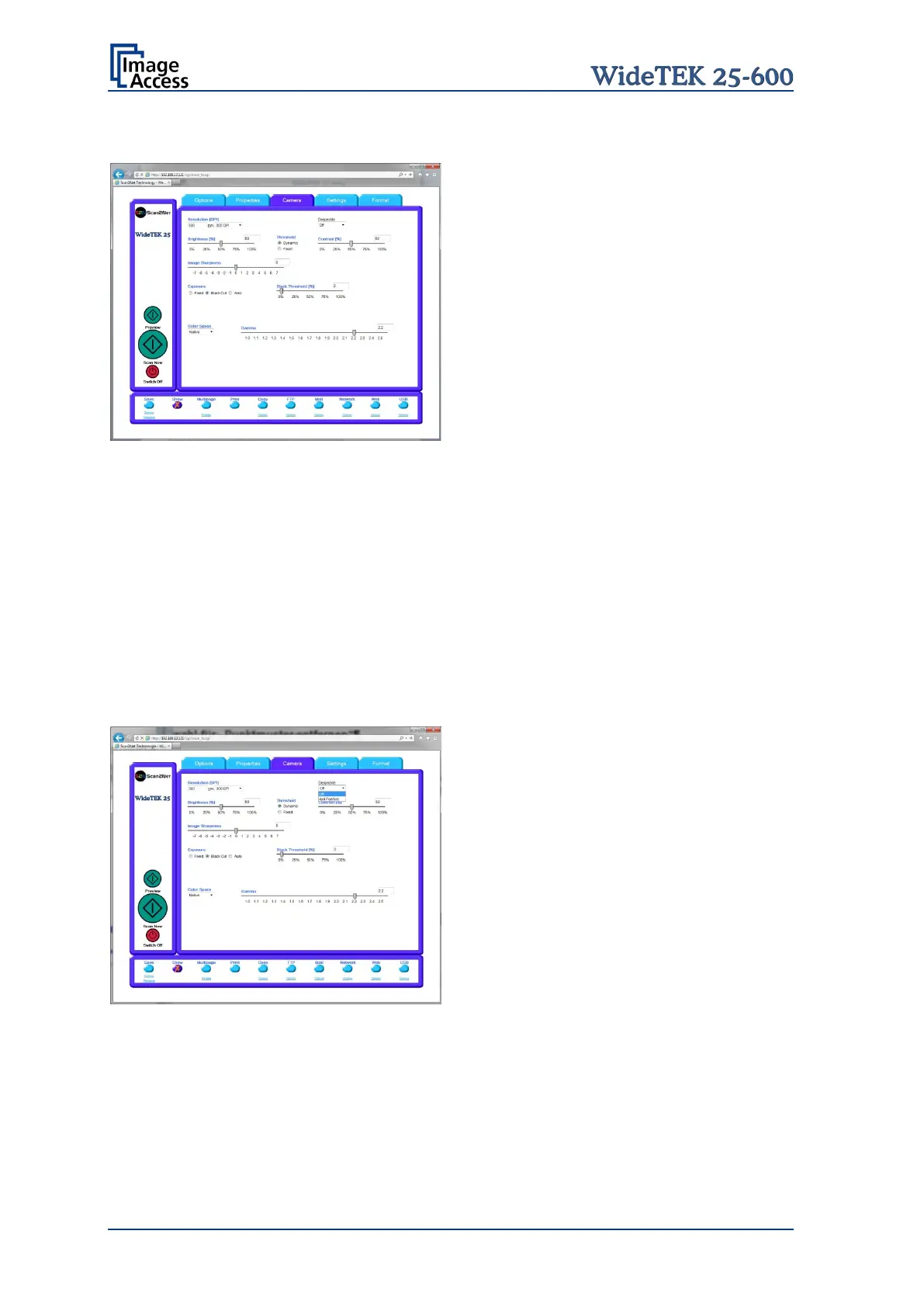
C.2.3.1 Threshold Dynamic / Threshold Fixed
Picture 70: Threshold method selector
Only with color mode Binary.
Allows selecting between Dynamic and Fixed threshold.
Dynamic The contrast level in the image varies depending on the content of the
document. This can help to improve fine details in the image.
Note: In Dynamic mode set the contrast slider carefully because if set to
the extremes, unexpected image artifacts can occur.
Fixed The contrast level is fixed to a specific value.
C.2.3.2 Despeckle
Picture 71: Despeckle function
Only with color mode Binary.
If active, this function removes isolated speckles in the image. Its use is recommended if
old documents on crumpled paper or vellum should be scanned.










 To Next Page