Page 68 Manual
File Format Defines the file format that is used to store a scanned document.
Note Interdependencies exist between Color Mode and File Format. That
means, it is not possible to combine all color modes with all file formats.
For example, an image scanned in “24bit Color” cannot be stored in
TIFF file format with TIGG G4 compression.
Depending upon the selected file format, the control beside it can vary:
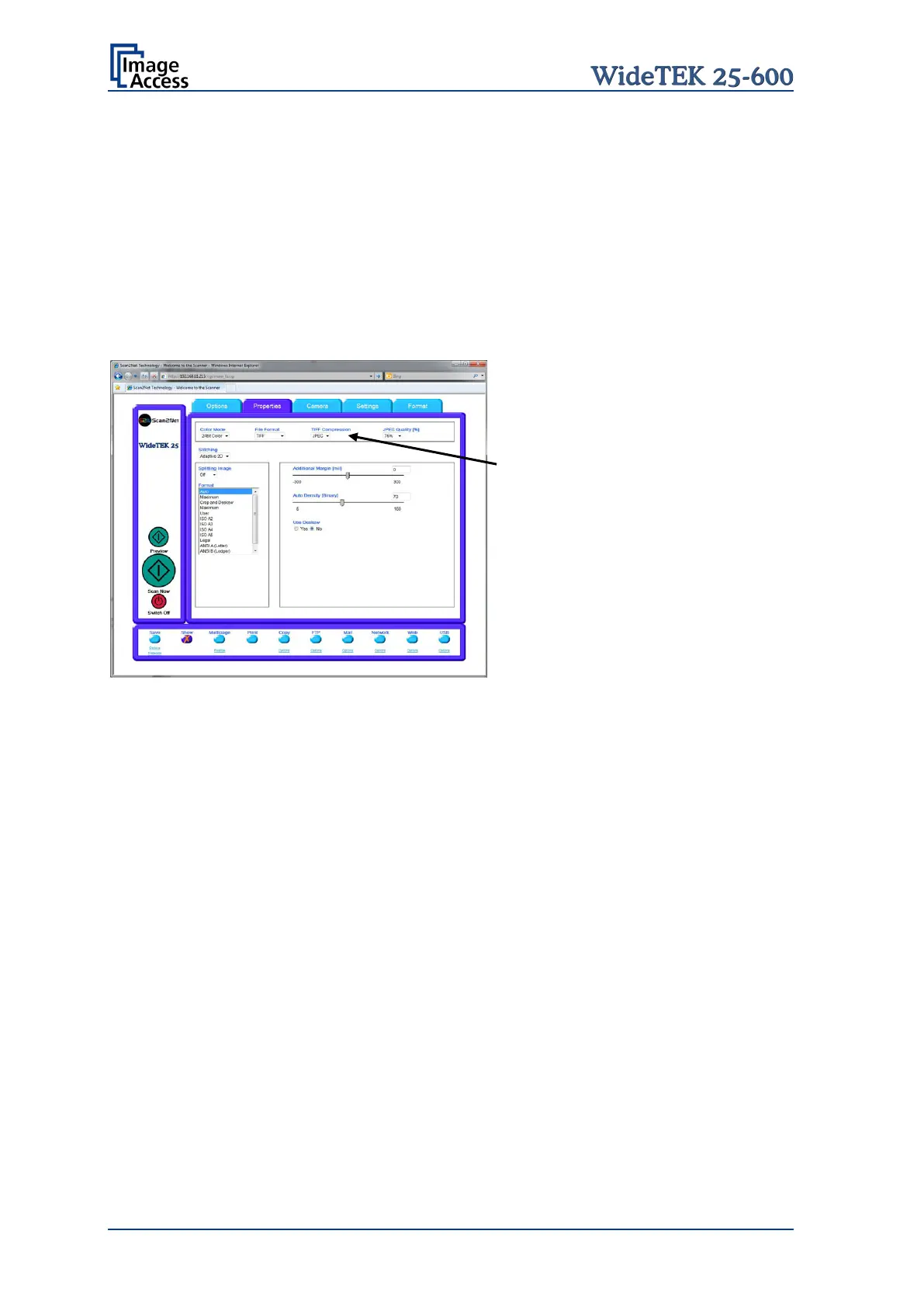
Example:
Color Mode 24bit Color, File Format TIFF
Picture 66: 24bit Color, file format TIFF
TIFF Compression is displayed
additionally.
Invert Only in color mode Binary. Inverts the colors in the displayed image.
Stitching Allows selecting the merging method of the camera data.
Fixed Select this setting when scanning documents with a plain surface
without crinkles or when a short scan time is important.
Adaptive 2D Default setting.
Select this setting when scanning documents with uneven structured
surface, e.g. multiple folded paper. The image data will be merged
dynamically. The time until the image is displayed will increase a little.
None Switches the stitching function off.










 To Next Page