Page 50 Manual
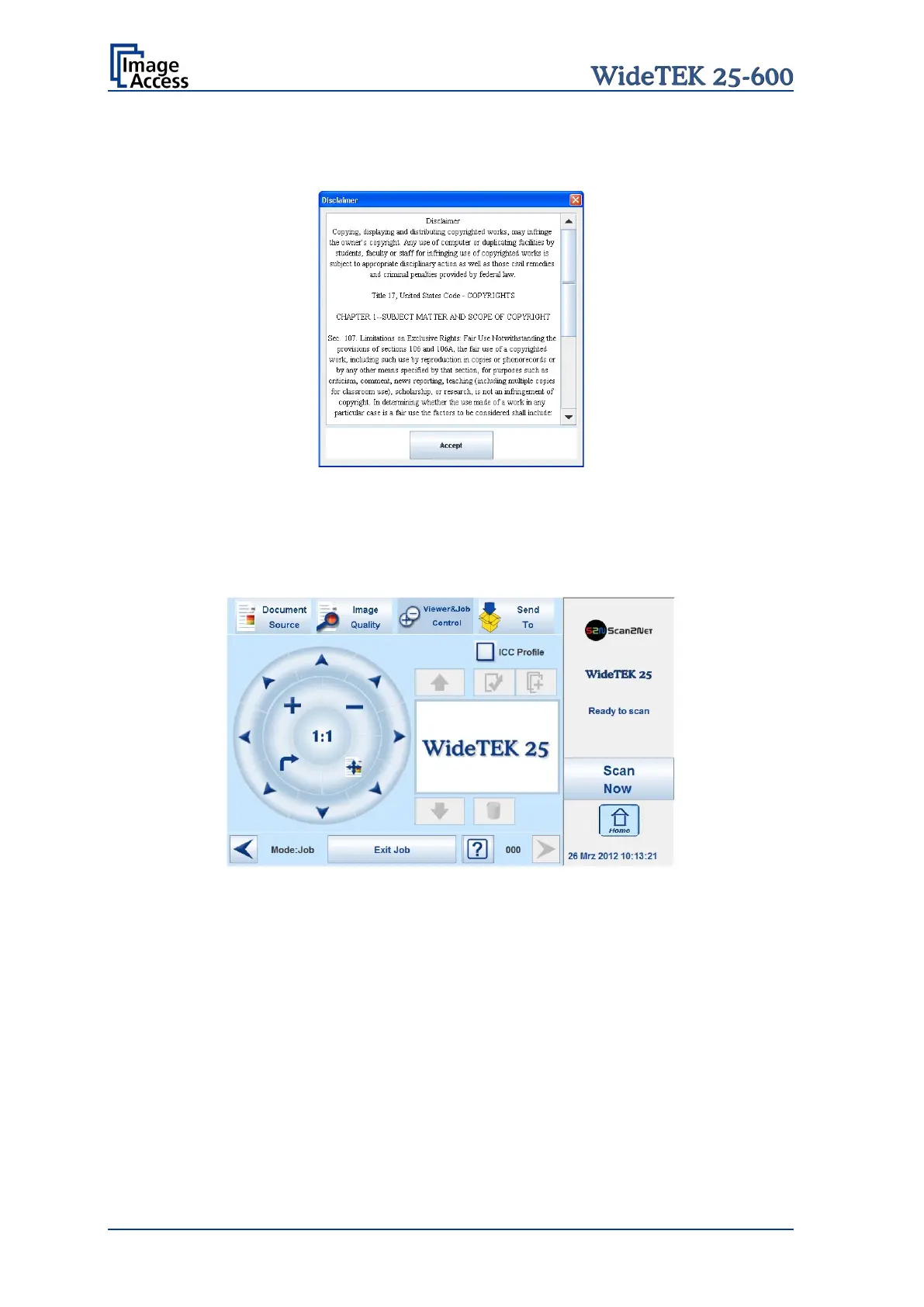
When Job mode is selected, the contents of the touchscreen change.
At first a disclaimer opens, which has to be accepted.
Picture 46: Disclaimer when staring the Job mode
After accepting the disclaimer, the Viewer&Job Control screen opens.
It contains some additional control buttons above and below the preview section.
Picture 47: Job mode start screen










 To Next Page