Manual Page 29
B.2 Start Screen of the Kiosk User Interface
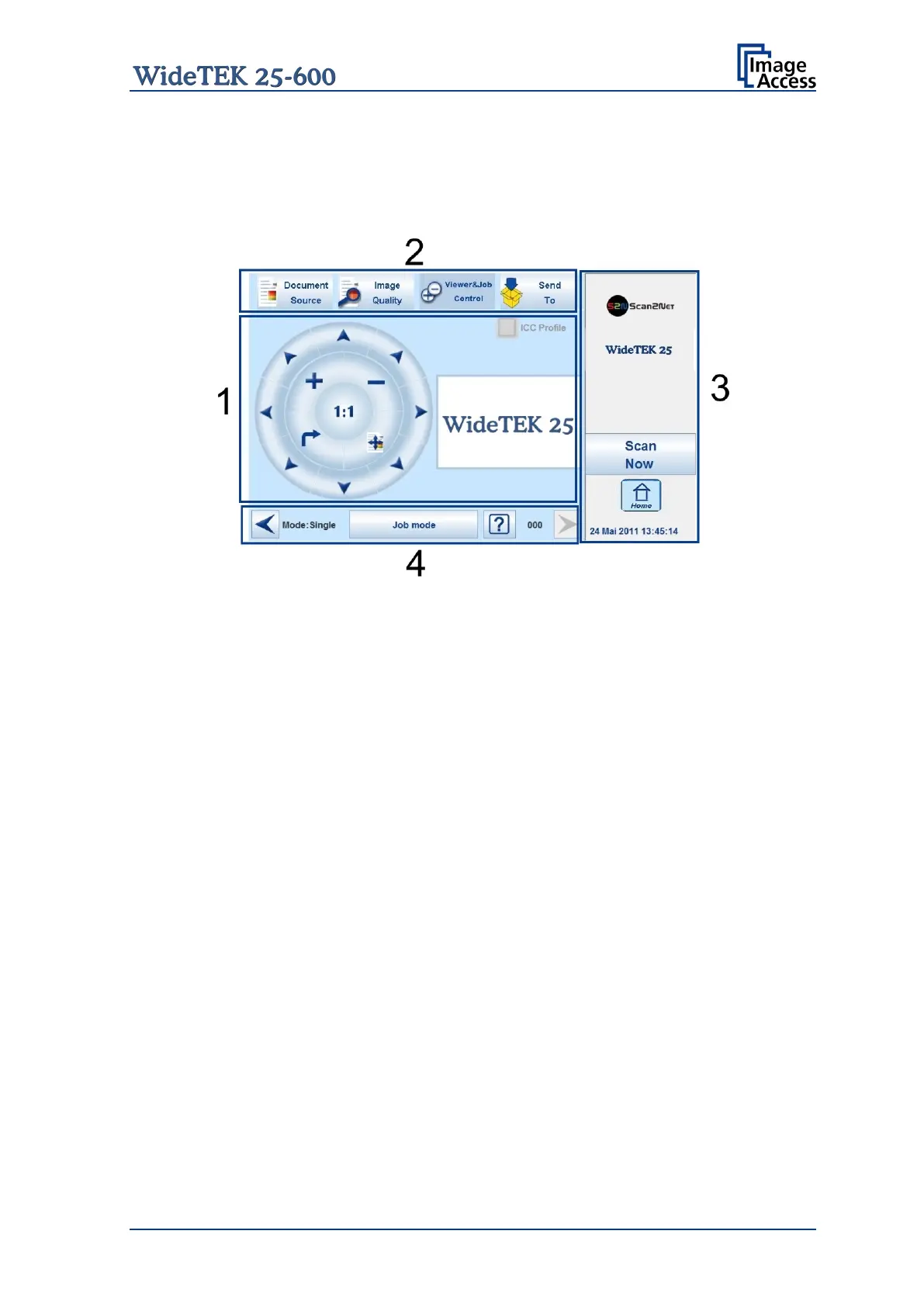
After touching the Scan2Net button the Viewer&Job Control screen is displayed on the
touchscreen.
Picture 9: Viewer&Job Control screen
The touchscreen is structured in four sections, which allow operators to control and select
various functions of the scanner.
1: This section shows the main controls or parameters depending on the selected
control field in section 2.
2: Control fields to select the menu screens directly.
3: This section shows the status of the scanner, e.g. Ready to scan, allows starting
the scan sequence by touching Scan Now, allows returning to the start screen, and
displays date and time.
4: The content of this section changes dependent on the selected control field in
section 2. More specific information can be found in the respective chapters.










 To Next Page