Page 54 Manual
B.6 Touchscreen – Send To
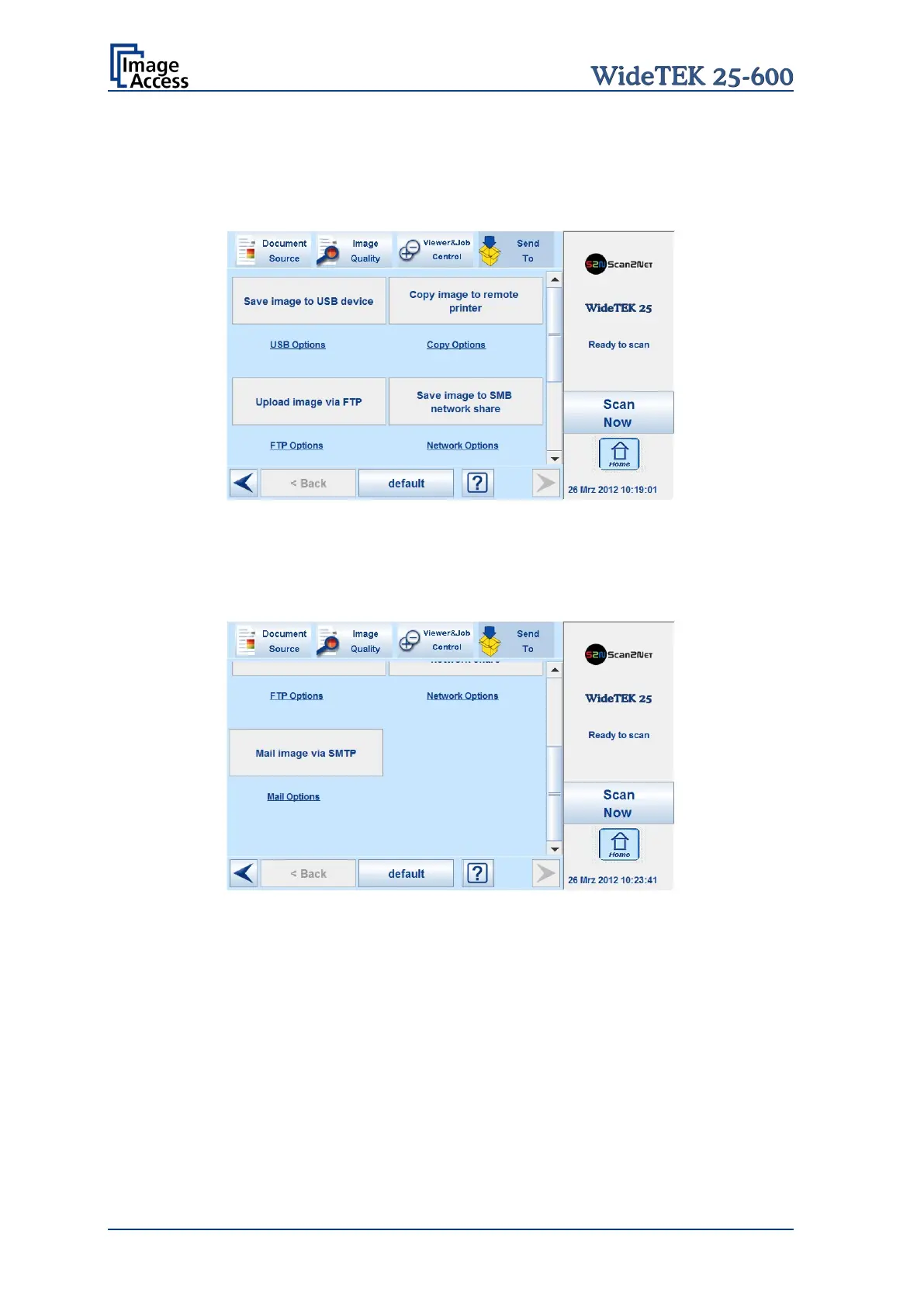
This menu provides the output options in order to transfer the scanned images to the
desired destination.
Picture 51: Send To screen #1
Due to the dimension of the touchscreen, not all output options can be displayed at the
same time. By using the scrollbar at the right side, the content of this menu can be moved.
Move the scrollbar to display all output option on the touchscreen.
Picture 52: Send To screen #2
When pressing the link below the respective button, the touchscreen content changes and
displays the option screen.
The chapters B.6.2 to B.6.6 describe the options to be changed or set from the
touchscreen.










 To Next Page