Manual Page 23
A.9 Transportation Locks
A.9.1 Removing the transportation locks
Attention
Before initial start-up
remove the transportation locks at both sides
of the device!
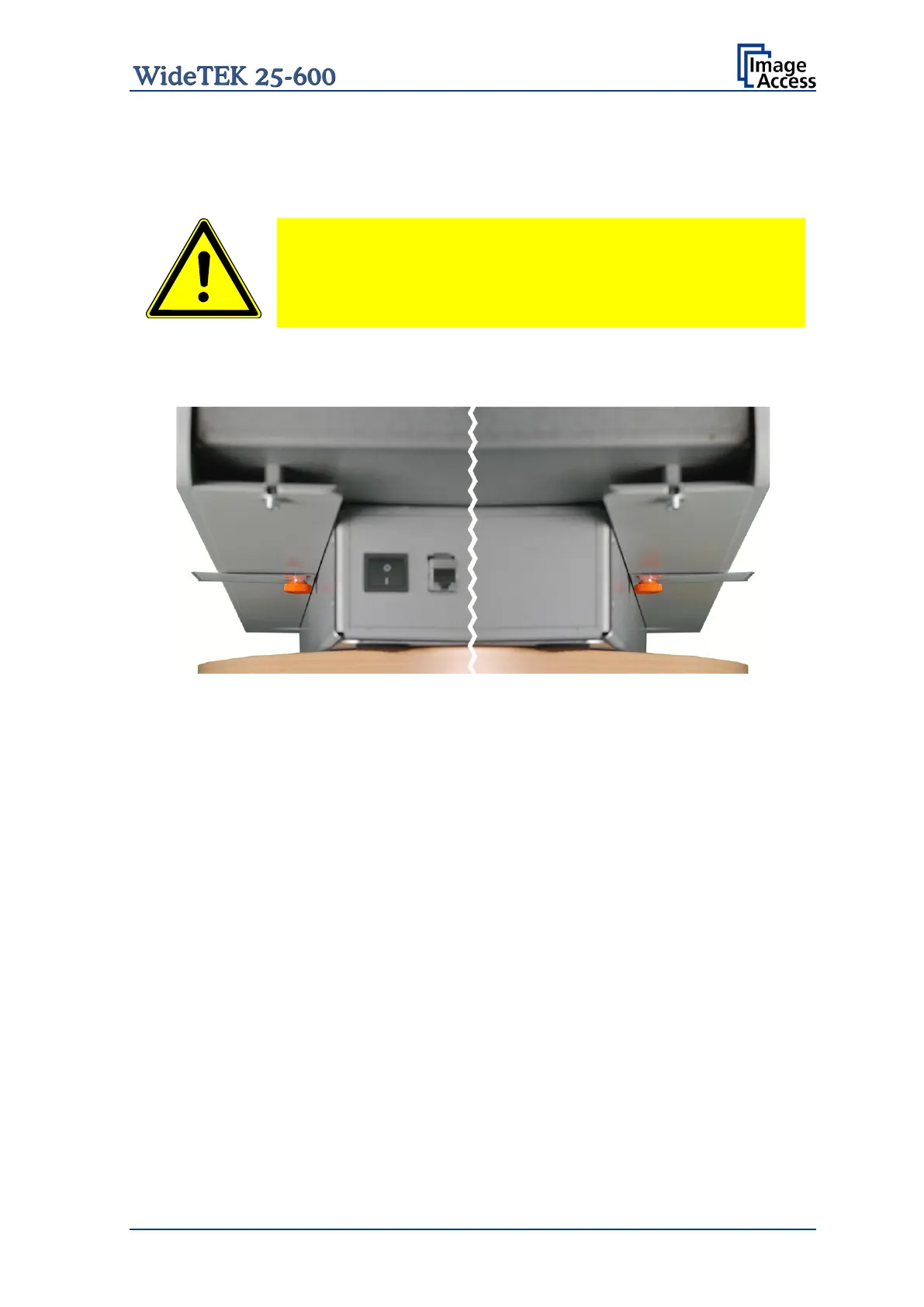
The transportation locks are located at the left and right bottom side of the scanner. A
label is attached to each transportation locks.
Picture 5: Transportation locks at bottom side
The transportation locks are easily identified by their orange-colored heads.
To remove, turn the transportation lock counterclockwise.
Remove the transportation locks completely.
Important: Keep the transport locks for future use!
The transportation locks must be inserted before each transport to protect the camera box
against damage.










 To Next Page