Manual Page 31
B.3 Touchscreen – Document Source
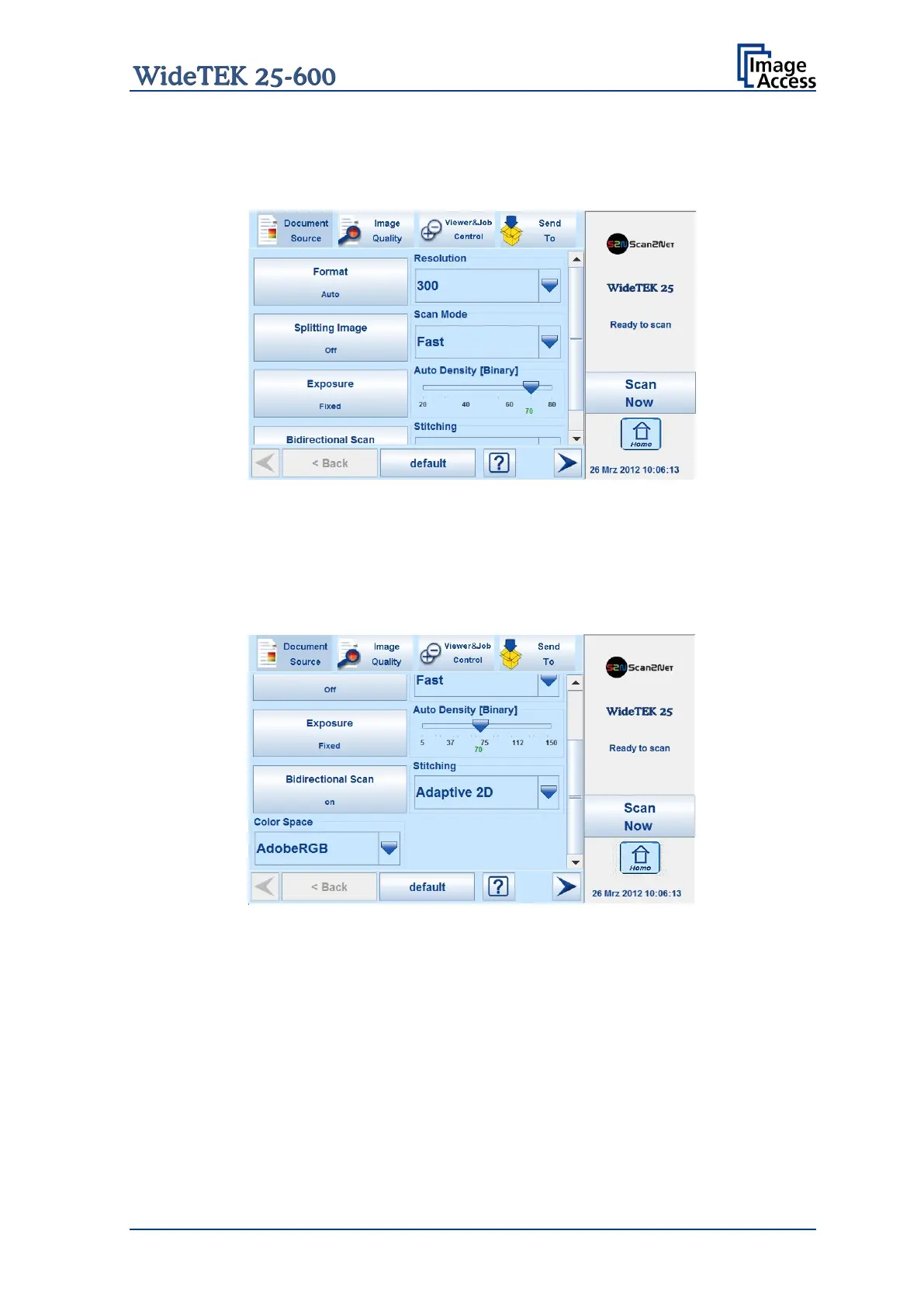
The Document Source screen allows selecting from a wide range of scan parameters.
Picture 10: Document Source screen, part 1
The number of menu items and the content of the menus can vary.
This depends on the selected setup. The setup can be changed by the administrator in
the Poweruser menu.
The following screens come from a scanner with all options activated.
Picture 11: Document Source screen, part 2










 To Next Page