Manual Page 55
B.6.1 Changing a file name or other entries
In some of the option menus the file name can be changed.
To change the file name, touch the respective line.
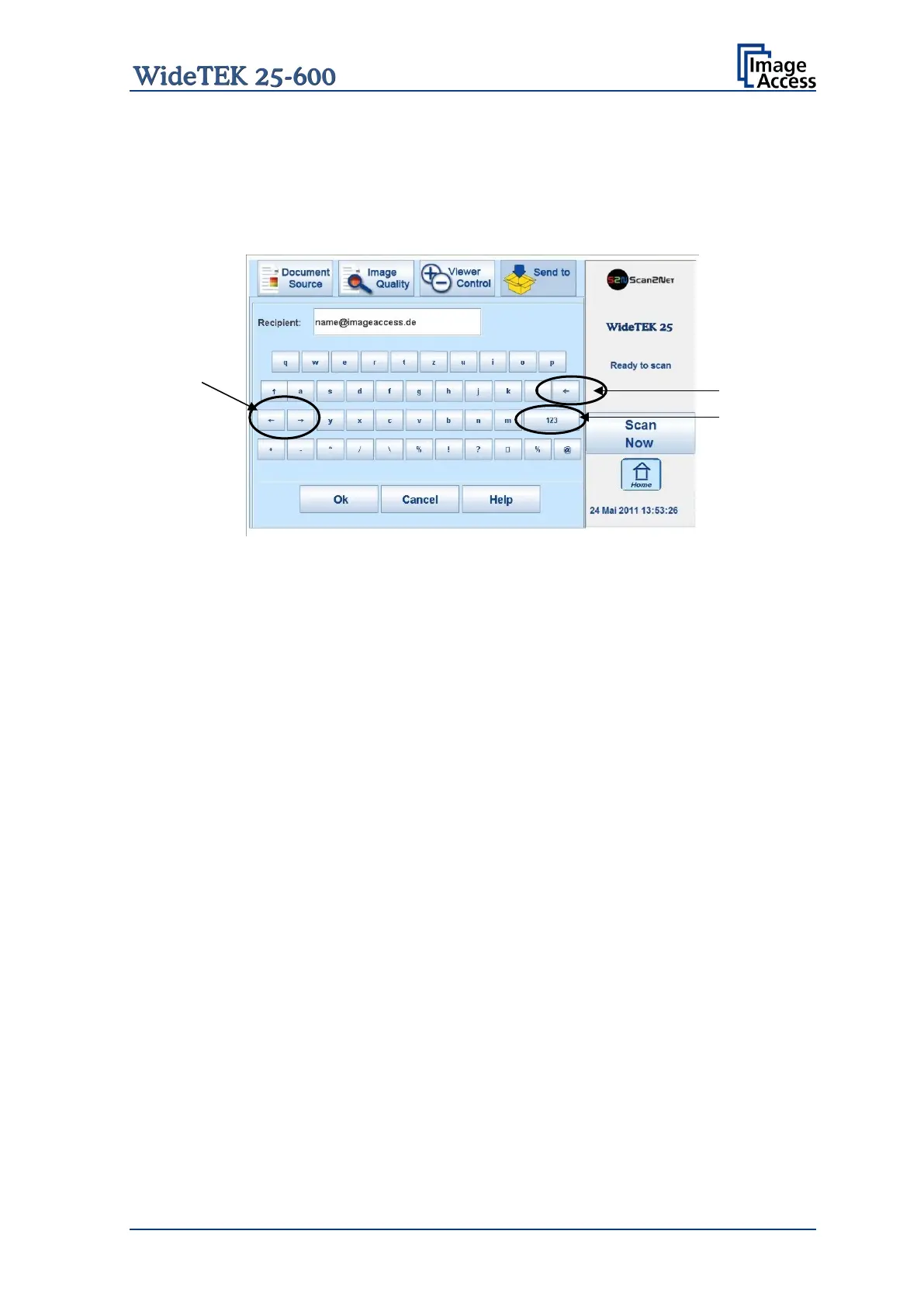
The screen changes to an alphanumeric keyboard.
Picture 53: Alphanumeric keyboard
1: Use the arrow keys to position the cursor in the line.
2: Use this key to delete characters.
3: Use this button to switch between the keyboard layouts.
Ok: Touch this button to confirm the new entries and to return to the former screen.
Cancel: Touch this button to discard the new entries and to return to the former screen.










 To Next Page