Page 76 Manual
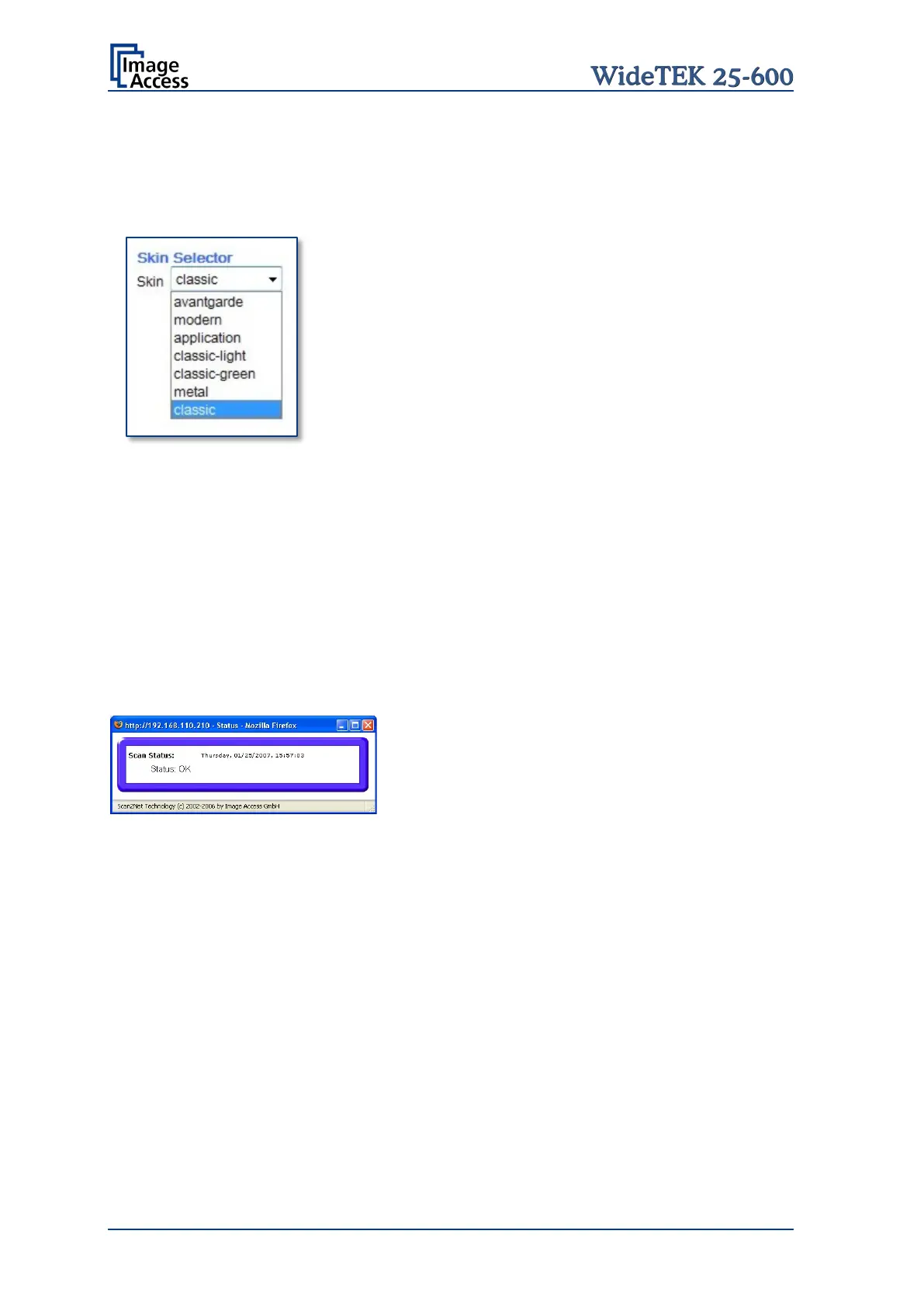
Skin Selector
This selector allows the operator to choose between different surfaces (skins) for the user
interface. The skins differ in color and in the graphic elements used for the buttons and
controls.
Picture 73: Available skins
The cutout on the left shows the currently available skins.
Additional skins can be designed and integrated
user.
Tool Tips
If activated, the user will be informed with a brief text message about the available
functions in each screen. With the drop down list, the delay time can be defined.
No Tool Tips switches this function off.
Show Status Window
If set to Yes, a small window opens where scan status information is displayed.
Picture 74: Scan status window










 To Next Page