Page 70 Manual
Only available with the ISO formats, the ANSI formats and the
format “Maximum”.
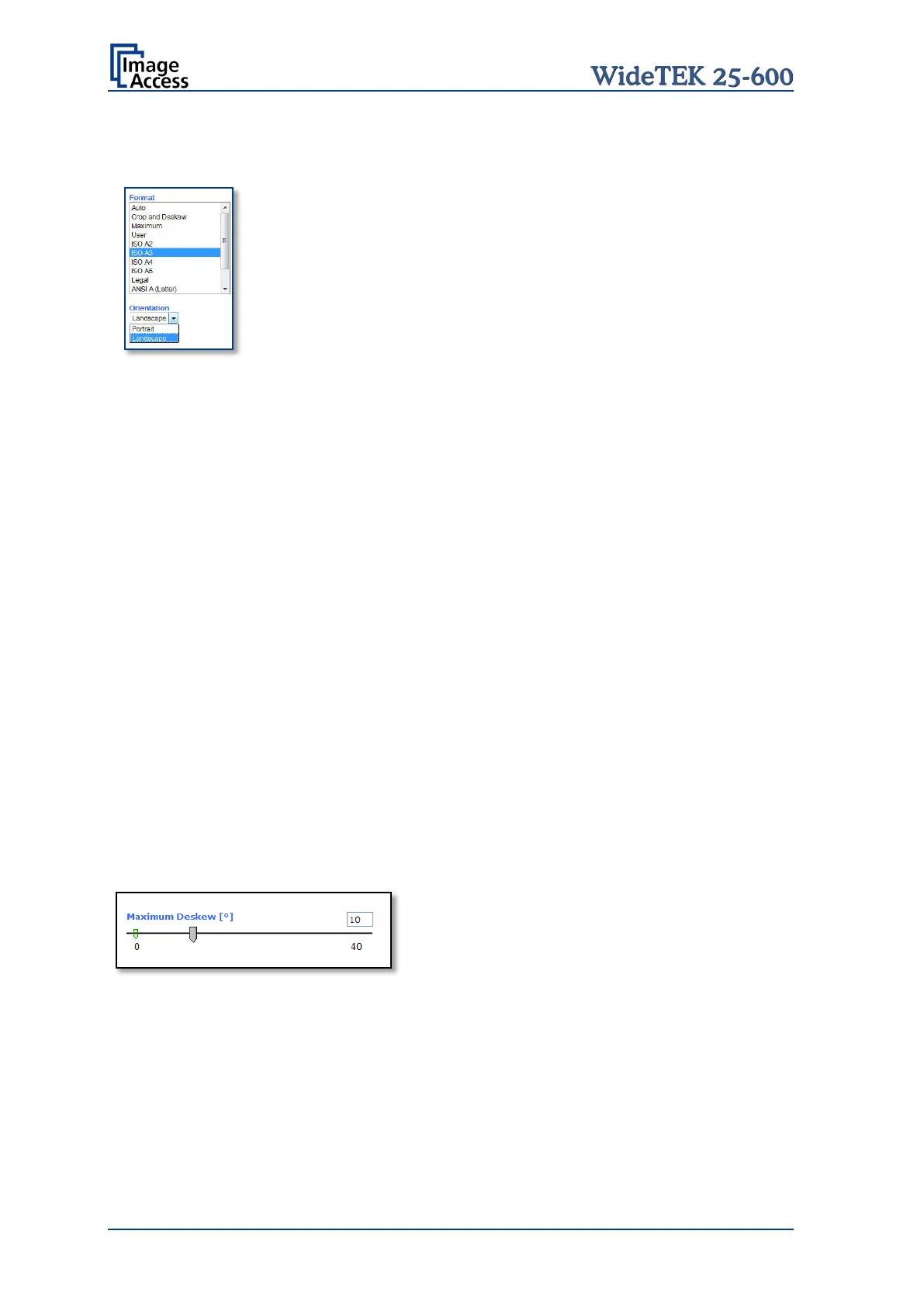
Landscape Scans the selected format in landscape orientation.
The scaling of the glass plate helps to position the
document correctly.
Portrait Scans the selected format in portrait orientation. The
scaling of the glass plate helps to position the
document correctly.
Additional Margin [mil]
An Additional Margin [mil] can be added to or taken away from the image.
The margin is defined in mil (1/1000 inch).
The desired value can be entered as a numeric value or by clicking on the slider and
moving it to the desired value.
If a numeric value us entered, confirm the input with the ENTER key or the TAB key on
the PC keyboard.
Auto Density (Binary)
The Auto Density (Binary) parameter defines the scanner’s sensitivity for the automatic
format detection. Default value: 70
When scanning dark documents, the value should be reduced in small steps until the
desired result is achieved.
In general: The higher the numeric value, the more contrast is necessary between
background and scanned document.
Use Deskew
The Use Deskew control activates the automatic deskew function.
Picture 67: Maximum Deskew angle
If Yes is selected, a slider is displayed which
allows to set the maximum corrected angle.
The desired value can be entered as a numeric value or by clicking on the slider and
moving it to the desired value.
If a numeric value us entered, confirm the input with the ENTER key or the TAB key on
the PC keyboard.










 To Next Page