Manual Page 41
B.3.9 Color Space
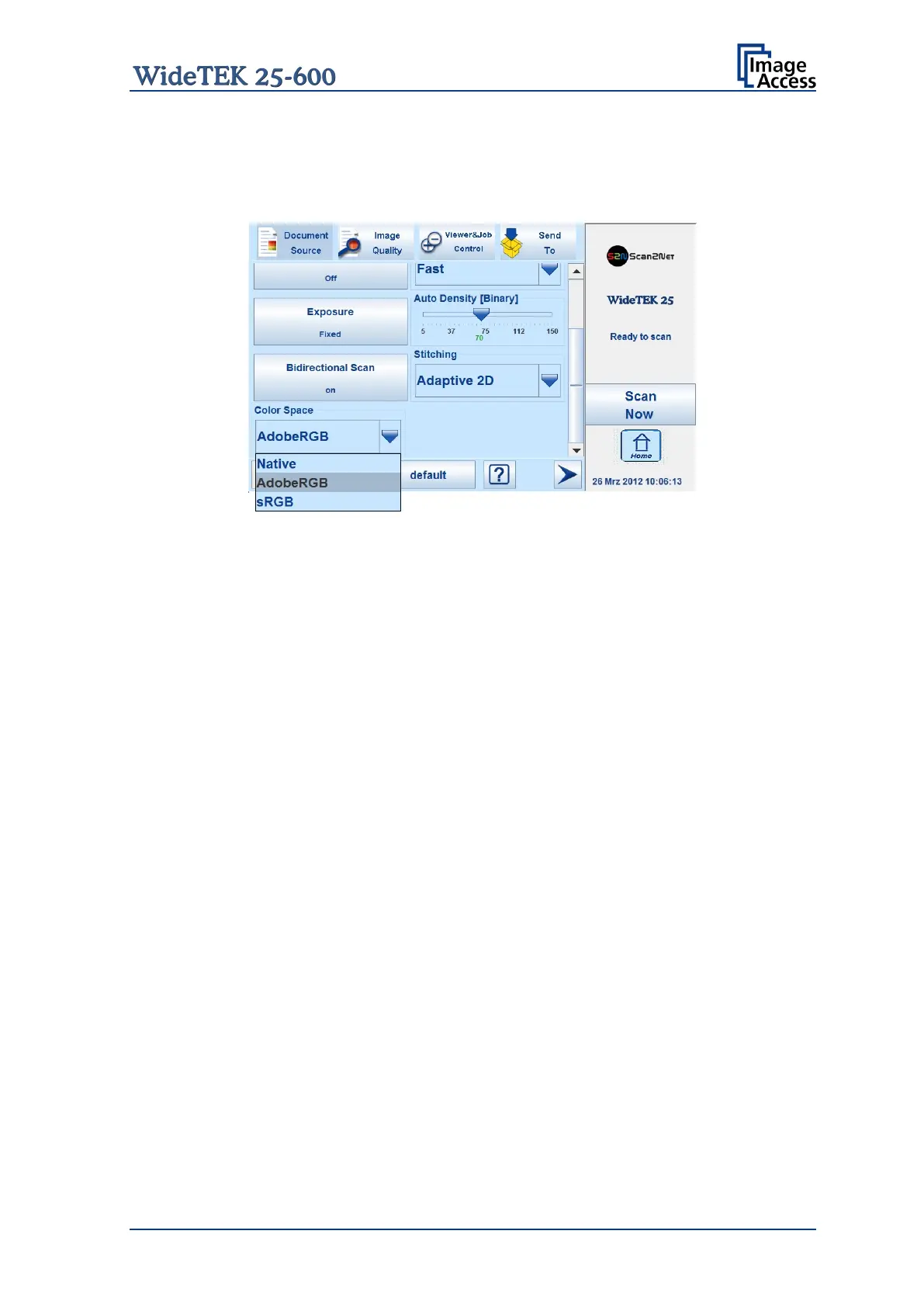
The Color Space selector allows selecting from three pre-defined color spaces for the
images.
Picture 27: List of predefined color spaces
Native The color space of the scanner. The Gamma value can be modified
with slider in the Image Quality screen. Chapter B.4.5 gives more
information.
Adobe RGB Default color space. The Gamma value is locked.
sRGB Selects the color space sRGB. The Gamma value is locked.










 To Next Page