Page 32 Manual
B.3.1 Format
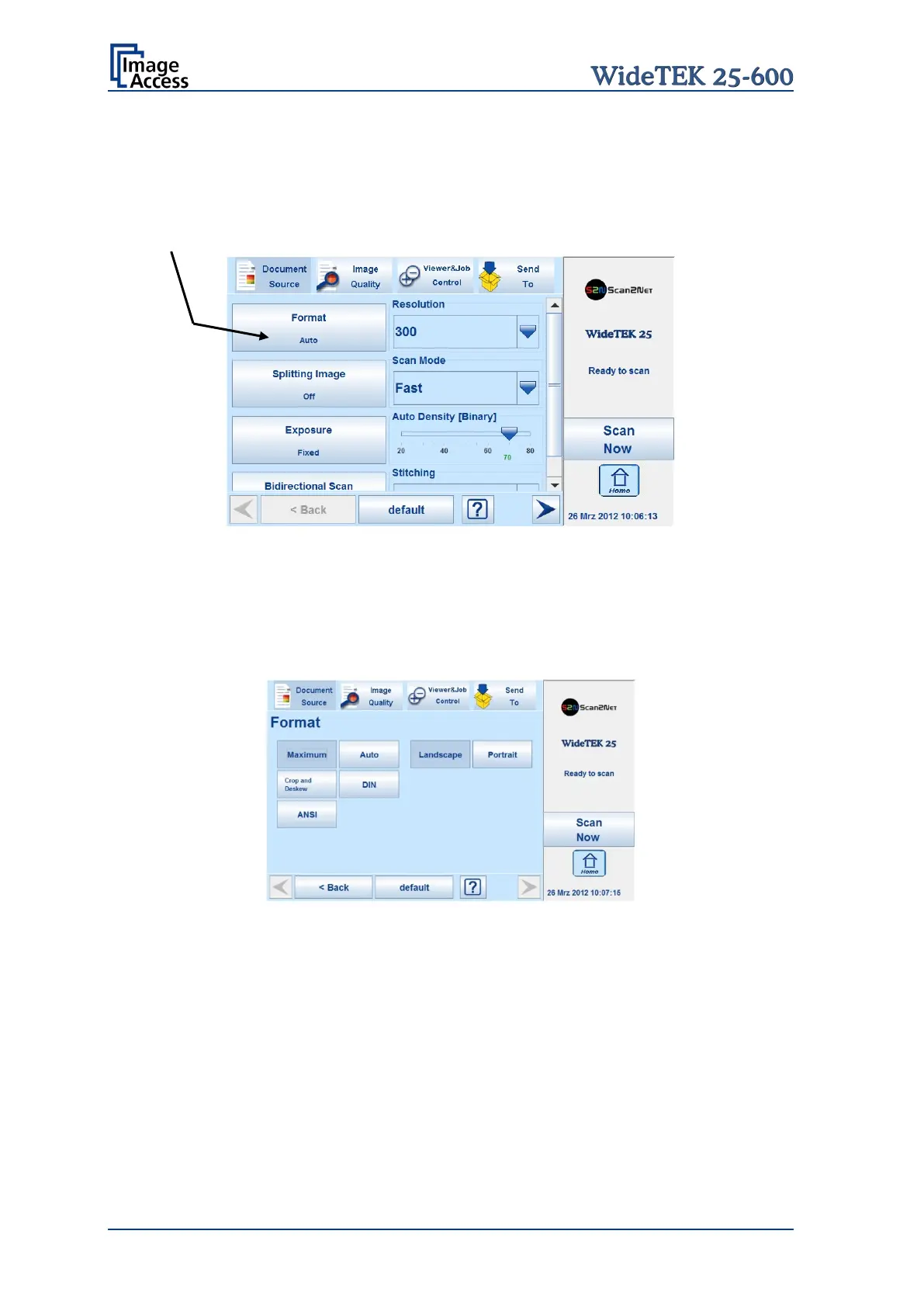
The Format button allows selecting the scan area size.
Depending on the Document Mode selected, the available formats will vary.
The bottom line of the button Format shows the current format setting.
Picture 12: Selector for Format settings
The following subchapters describe the available combinations of document mode and
format.
B.3.1.1 Maximum
Picture 13: Format mode Maximum
Landscape Scans the maximum scan area in landscape orientation.
Portrait Scans the maximum area in portrait.










 To Next Page