Page 38 Manual
B.3.5 Resolution
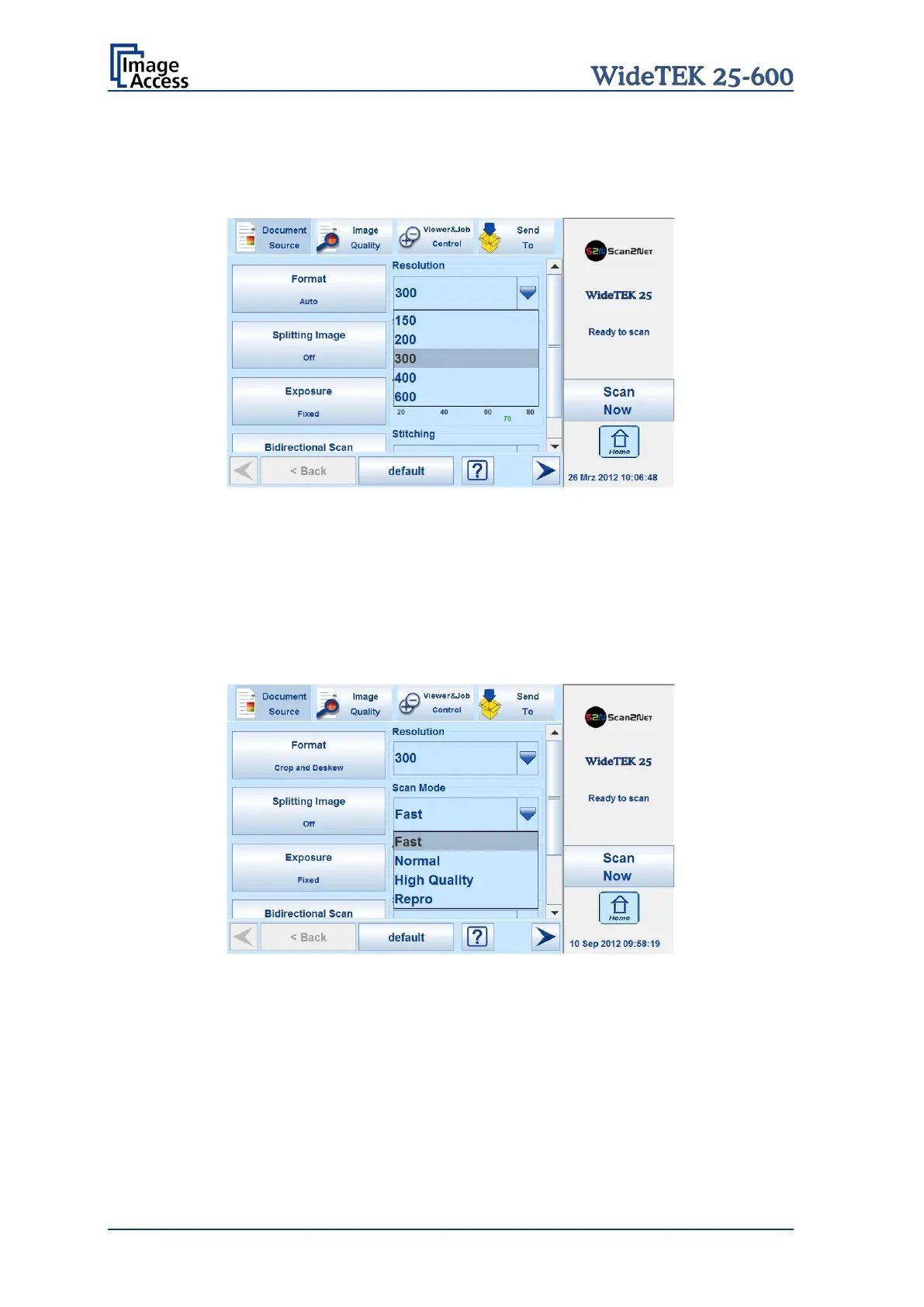
The Resolution setting allows selecting a resolution from a list of resolution values
supported by the WideTEK 25-600 scanner.
Picture 23: List of Resolutions
The list can be opened by touching the blue arrow symbol beside the currently selected
value. Select a new resolution by touching the preferred value.
B.3.6 Scan Mode
The Scan Mode selector allows the user to select from four possible scan modes.
Picture 24: Available Scan Modes
Fast Scans with standard scan speed, depending on the selected resolution.
Normal Scans with the half of the standard scan speed.
High Quality Scans with a quarter of the standard scan speed.
Repro Scans with an eighth of the standard scan speed
The scan speed depends in general from the selected resolution and decreases with
increasing resolution.










 To Next Page