Page 112 Manual
C.5.2.3.2 Power Saving
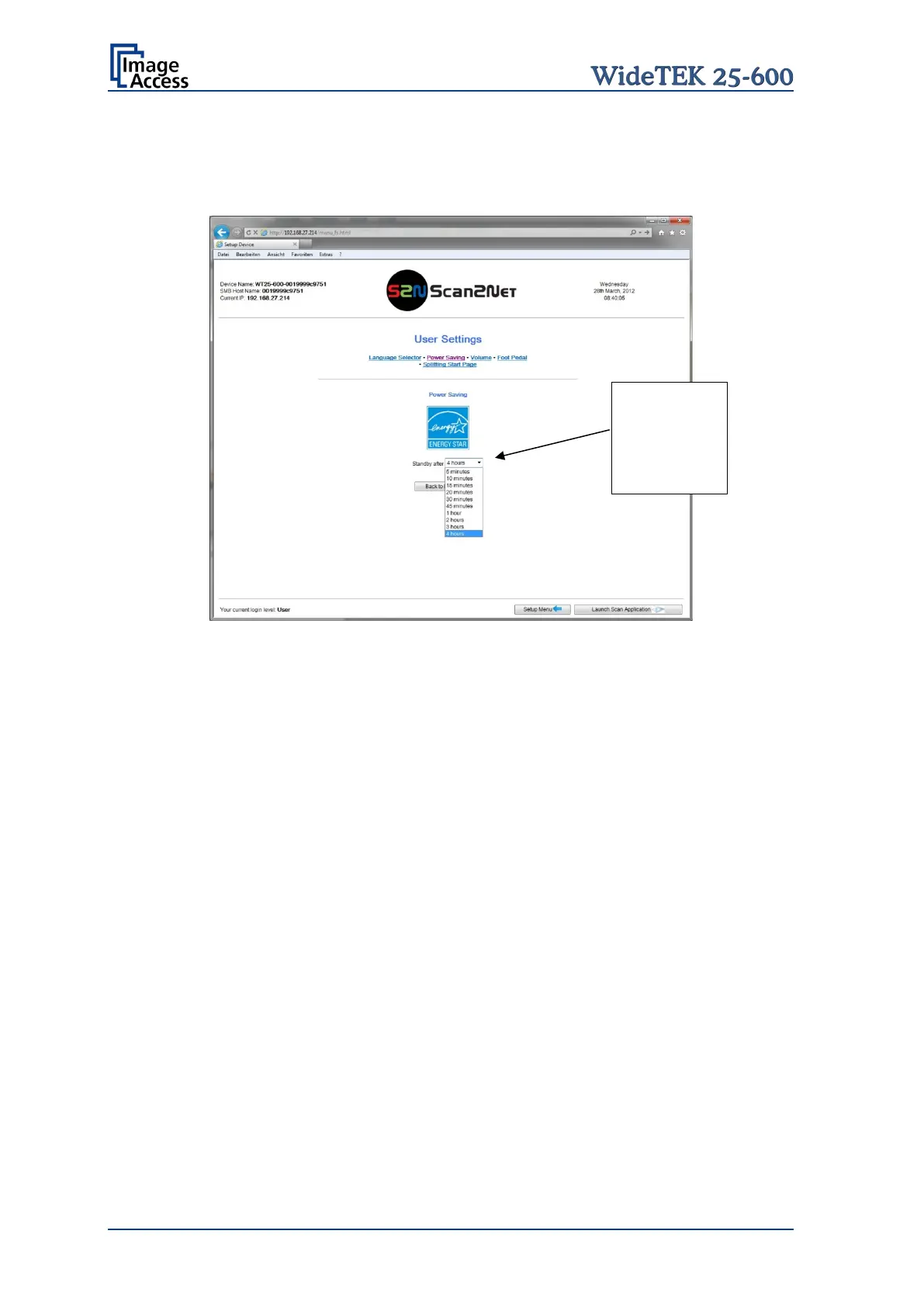
Use the function Power Saving to set the time until the scanner goes into stand-by mode.
Click on the link Power Saving.
Picture 105: User Settings screen
The Energy Star guidelines define the default time until the device goes into stand-by to
be 15 minutes.
In stand-by mode its power consumption of the scanner is only 2.5 Watt.
Picture 105 shows the list of available values. The list starts with “5 minutes” and ends
with “4 hours”. Four hours is the maximum time period defined through the Energy Star
guidelines.
Click on the
selection arrow
and select the
desired value










 To Next Page