Page 96 Manual
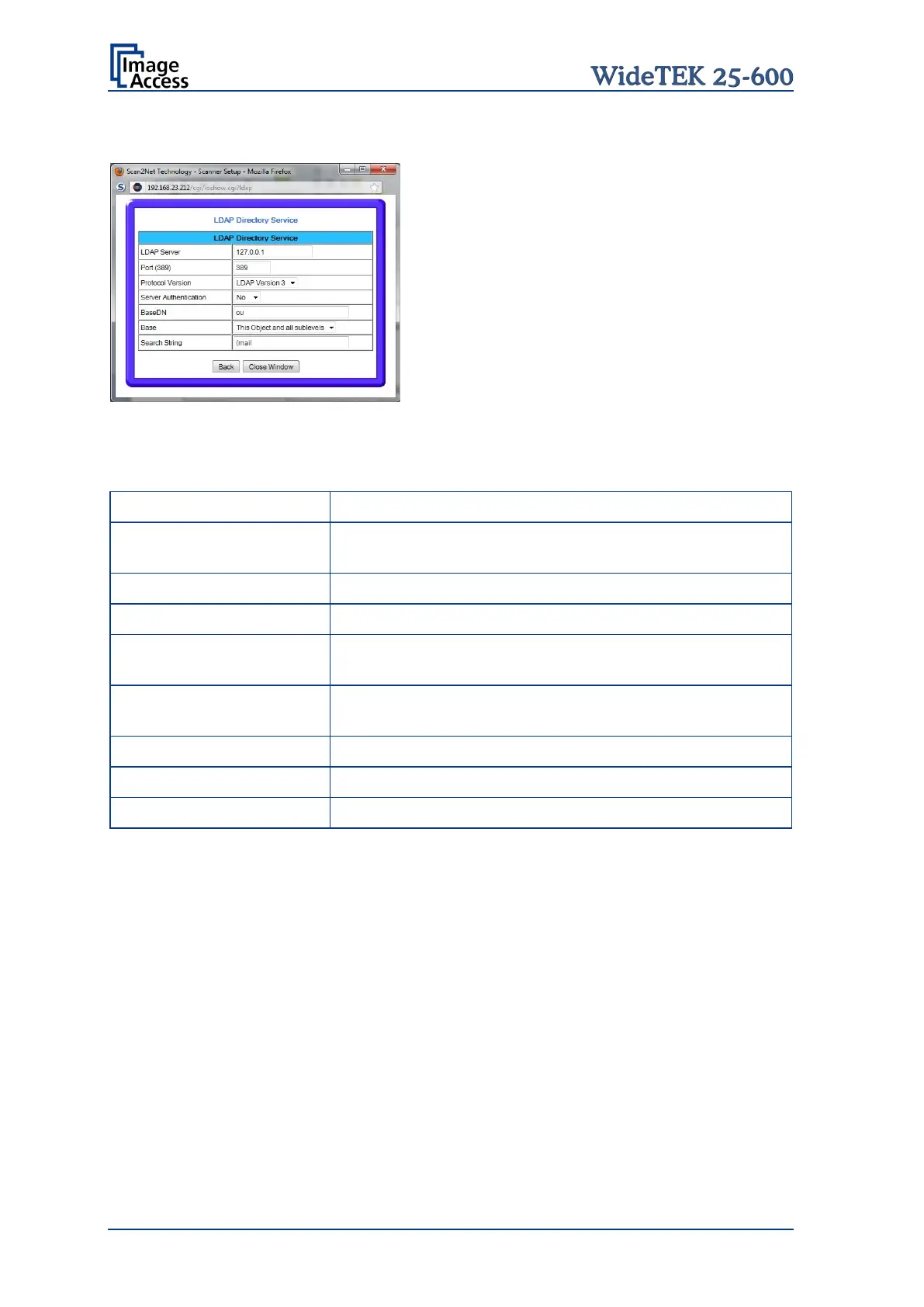
C.3.7.4 Configuring the LDAP Directory Service
Picture 92: LDAP Directory Service parameters
Parameter Description
Enter here the IP address of the LDAP server.
Enter the IP Port which is used for the connection.
Default: Port 389.
LDAP Version 2 / LDAP Version 3
(if Server Authentication = Yes)
Enter the here the desired values.
(if Server Authentication = Yes)
Enter a password for authentication at the LDAP server.
Enter the desired values here.
Select a setting from the list.
Enter the string to be searched.










 To Next Page