Manual Page 37
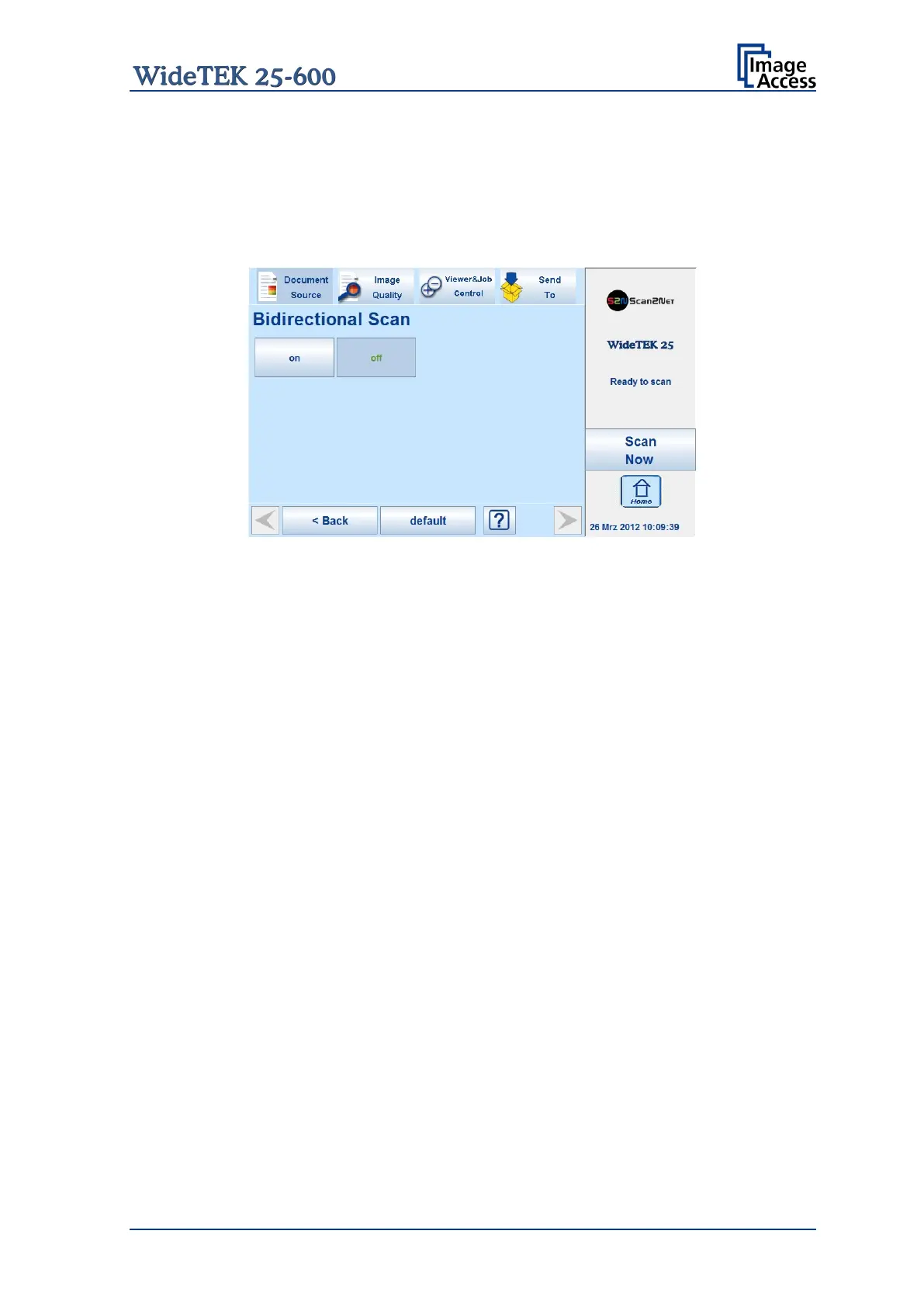
B.3.4 Bidirectional Scan
The WideTEK 25-600 is able to scan in unidirectional direction and in bidirectional
direction.
Activating the bidirectional scan will save time because over a higher document
throughput.
Picture 22: Selecting Bidirectional Scan
On The camera stops after scanning at the front side of the scanning area and
does not return to the start position. The next scan will start from the front
side. After scanning the camera stops at the initial start position at the back
end of the scanning area.
Off
(default) The camera returns after scanning the selected scan area to the initial start
position.










 To Next Page