Page 40 Manual
B.3.8 Stitching
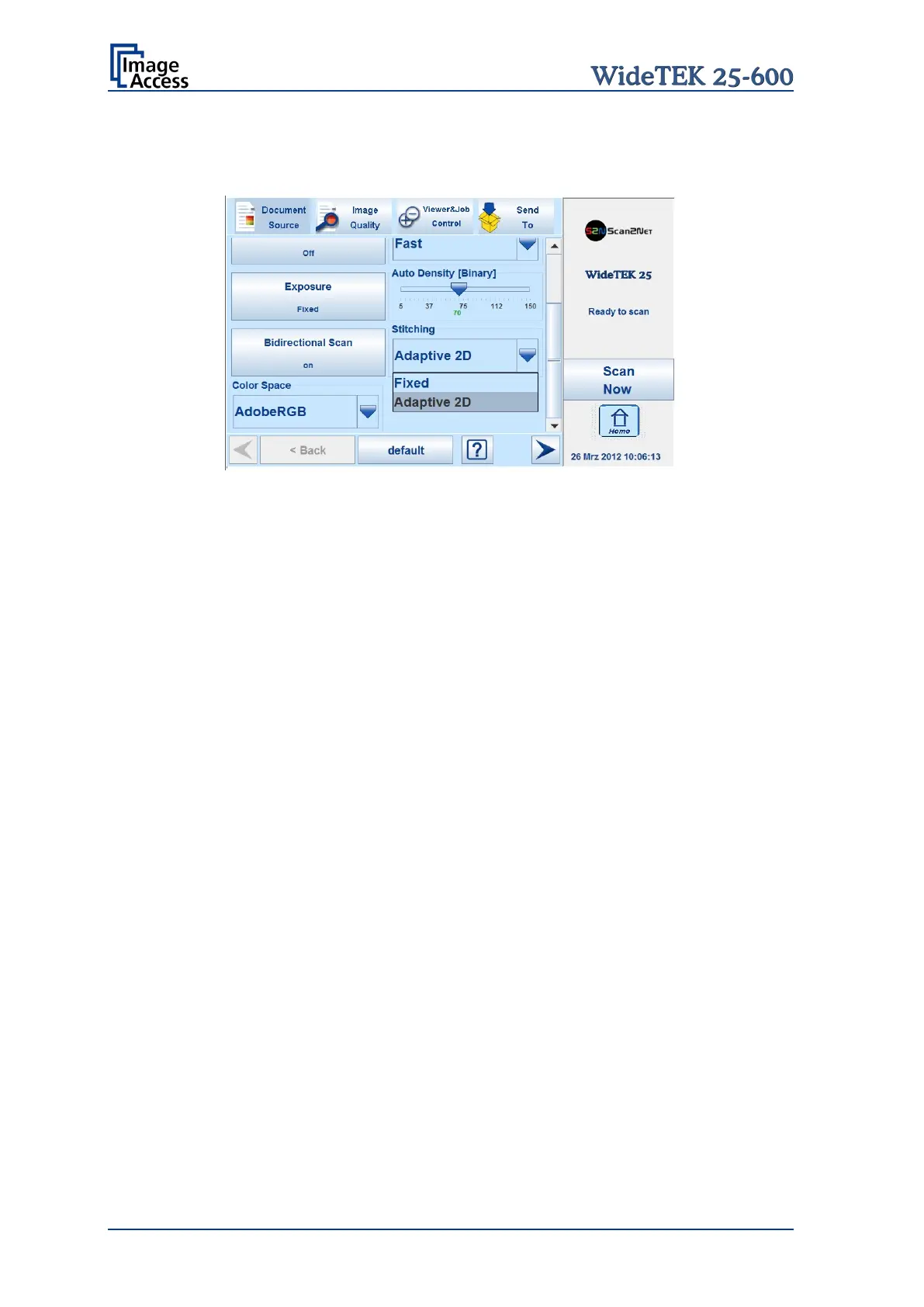
The Stitching selector allows selecting the Stitching method.
Picture 26: List of stitching methods
Fixed Select this setting when scanning plain documents.
Adaptive 2D Default setting.
Select this setting when scanning documents with uneven structured
surface, e.g. multiple folded papers. The image data will be merged
dynamically. The time until the image is displayed will increase a little.










 To Next Page