Page 100 Manual
C.3.9.1 Web Service Configuration
Parameter Description
Choose a preconfigured set of parameters out of five
possible sets of parameters. If you click on Change Name
you can change the name of this set.
Switch on/off the use of a proxy for connecting to a remote
server outside the local network.
(if Use a Proxy = Yes)
Specify the IP address of the proxy.
(if Use a Proxy = Yes)
Enter the port for HTTP communication.
(if Use a Proxy = Yes)
Enter the Port for HTTPS communication.
(if Use a Proxy = Yes)
Select Yes if an authentication should be used.
Enter a user name when using a proxy.
Enter the password for the proxy.
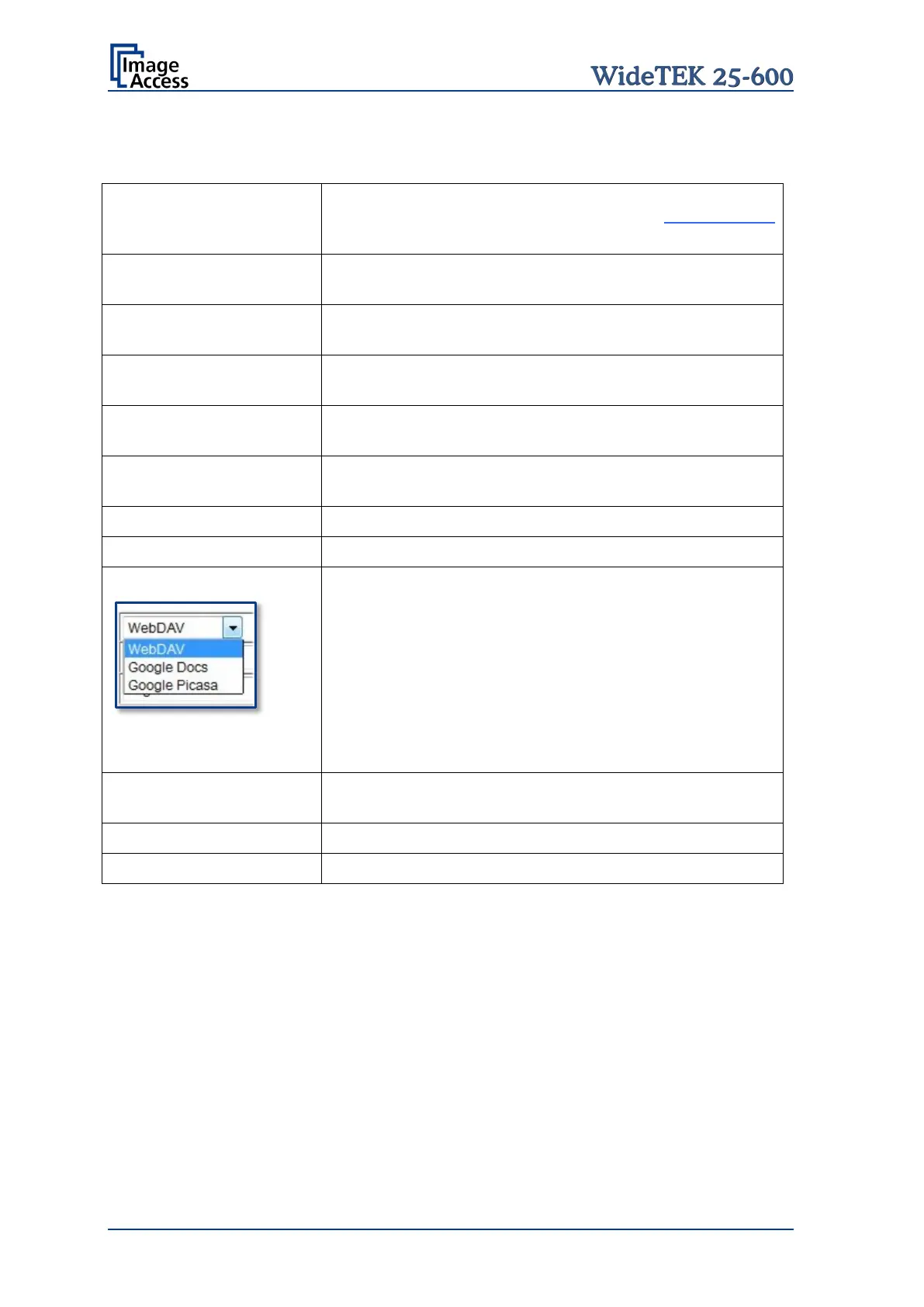
Select from the list the web service where the data should
be stored.
Available are:
• WebDAV
• Google Docs
• Google Picasa
Depending on the selected web service the next
parameters will vary.
(only with WebDAV)
Click on the selection arrow and select the protocol. Enter
the server URL.
Enter your login for the selected web service.










 To Next Page